Need a full custom project? See the options below.
Need a full custom project? See the options below.
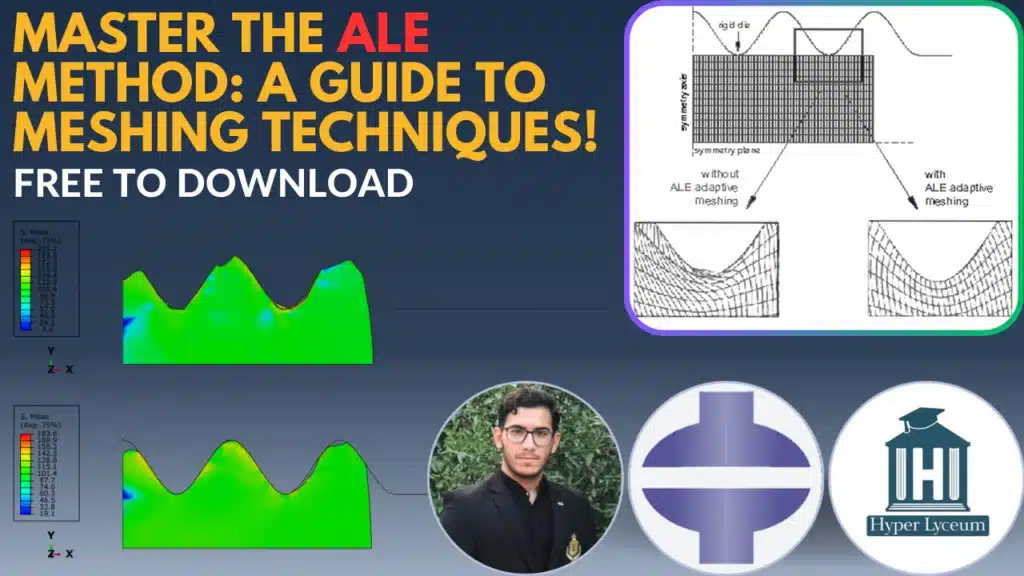
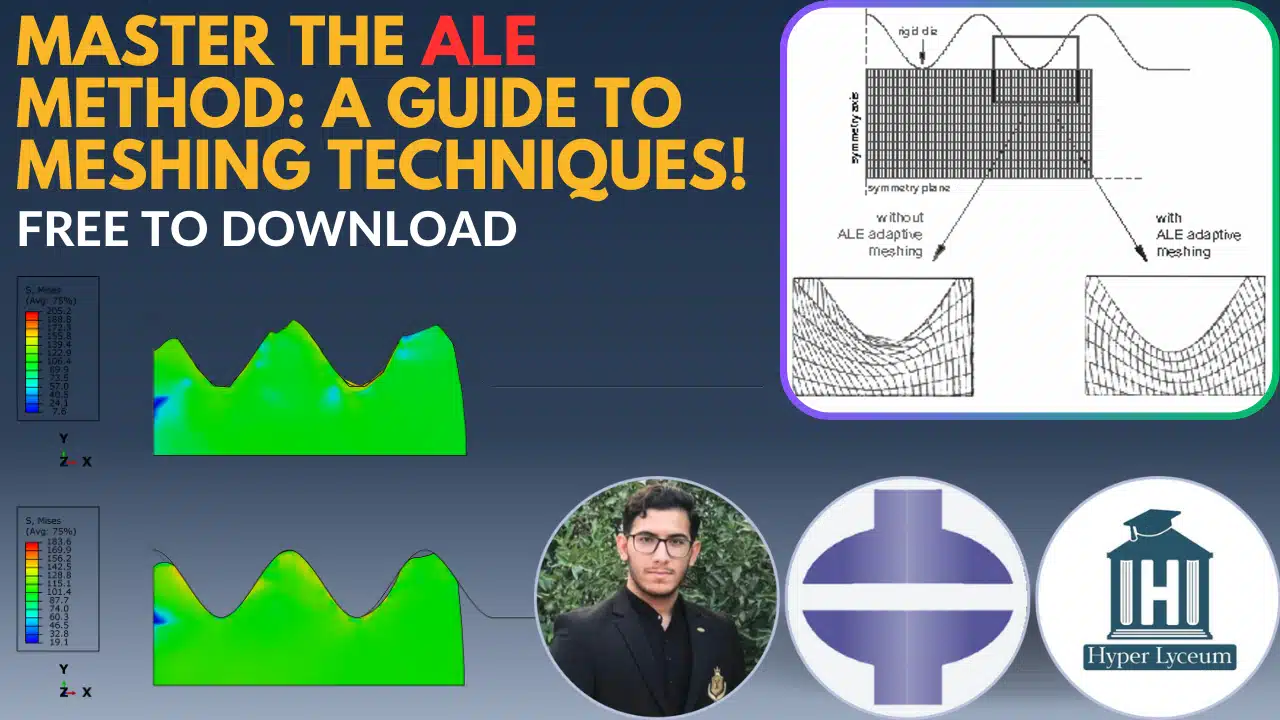
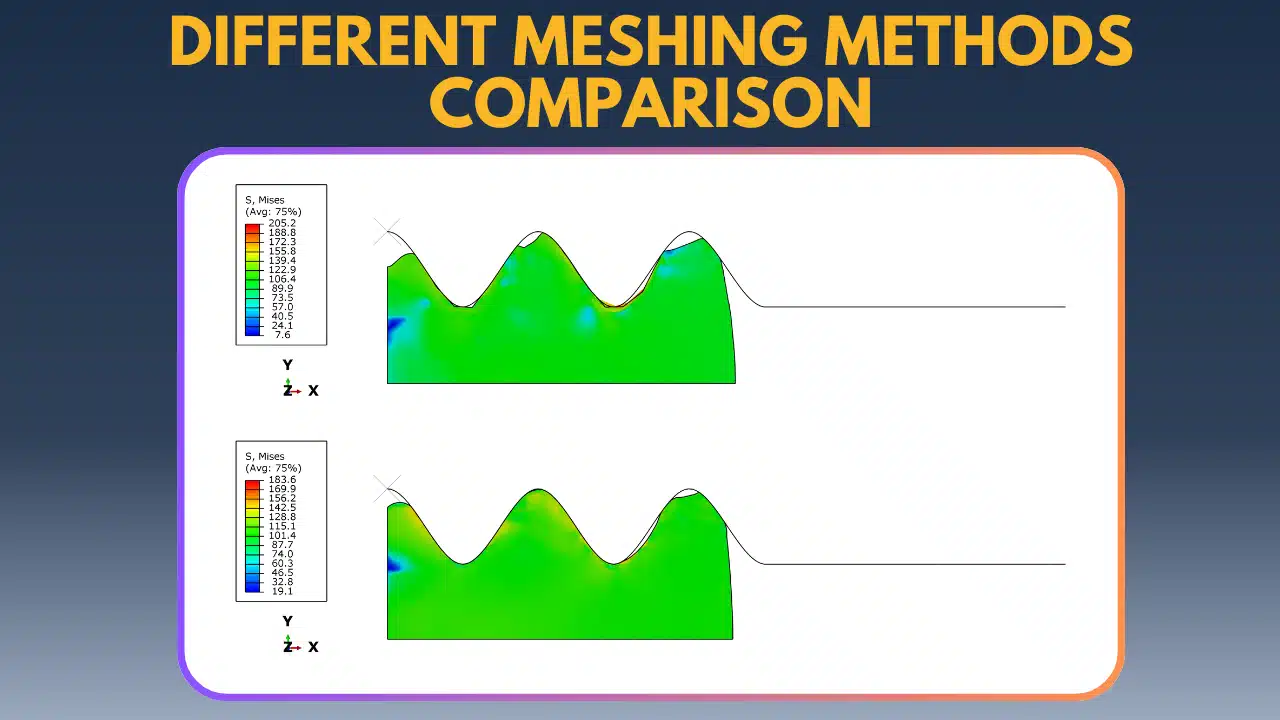
This short tutorial explains the ALE method in Abaqus (Arbitrary Lagrangian–Eulerian adaptive meshing) and compares it with the two other main meshing approaches: Lagrangian and Eulerian. You learn how each method works, where it is used, its strengths and limits, and then see ALE applied in a sample Abaqus simulation.
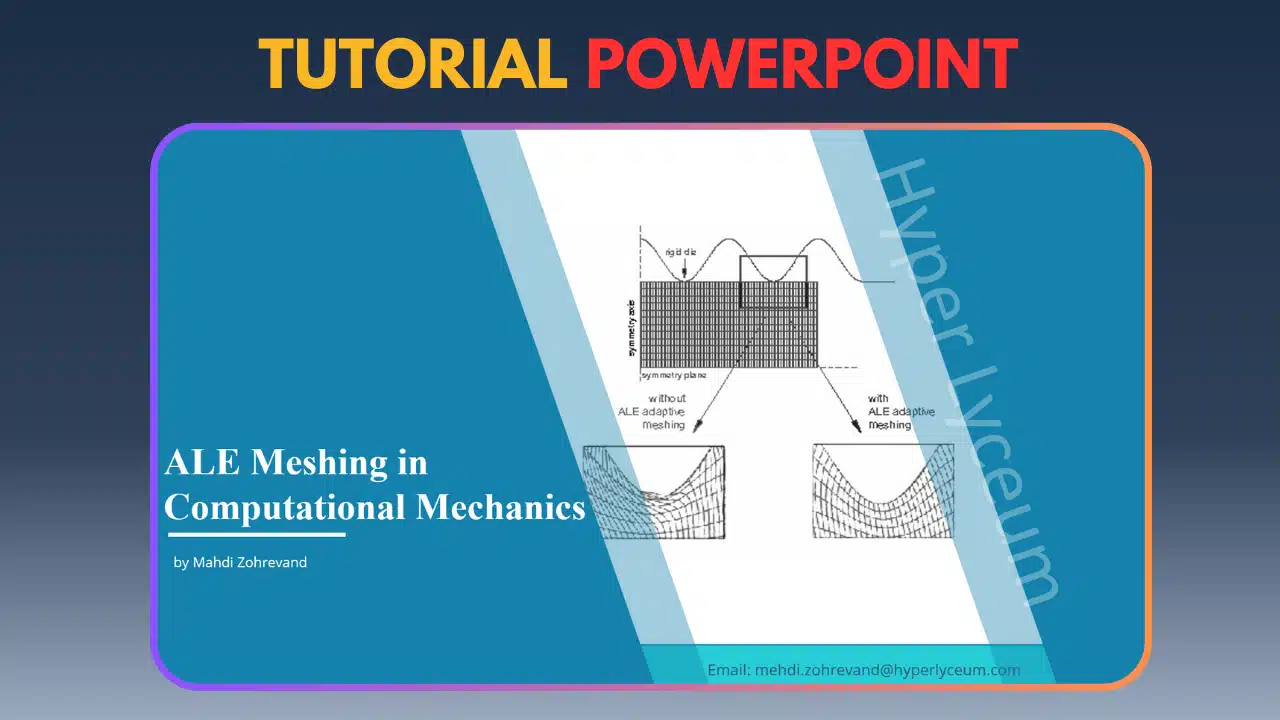
It is a quick, practical way to understand ALE before you use it in forming, cutting, impact or friction stir welding models. You get the video, the presentation slides and the Abaqus simulation files.
When a model goes through very large deformation, the elements in a normal Lagrangian mesh become badly distorted. The time increment drops, the results lose accuracy, and often the analysis stops. Engineers then hear about ALE, Eulerian and CEL, but it is not clear which one to use or how ALE actually changes the mesh.
This tutorial makes the difference clear in a short time. After watching it, you will know when ALE is the right choice, when you need a full Eulerian or CEL approach instead, and how to set up ALE adaptive meshing in Abaqus.
The tutorial was prepared by instructor Mahdi Zohrevand.
Abaqus/CAE and Abaqus/Explicit with ALE adaptive meshing.
Once you understand ALE, these products show it and related methods in full applications:
ALE (Arbitrary Lagrangian–Eulerian) is an adaptive meshing technique. The mesh can move independently of the material, so Abaqus can keep the elements in good shape during very large deformation, while the model stays mostly Lagrangian.
ALE keeps a single mesh and adjusts it to reduce distortion. CEL uses a fixed Eulerian mesh that material flows through, coupled with a Lagrangian structure. CEL handles more extreme flow, such as fluids or penetration, while ALE suits large but continuous deformation.
The .cae file needs a recent Abaqus version, and the .inp files are included so you can import and run the model in other versions.
It is a short, focused tutorial of about 8 minutes, plus the slides and simulation files for you to study at your own pace.
Need more than the files?
There are two ways we can help. Book a one hour online consultation if you want to talk a problem through with a CAE engineer, using the checkbox in the order box. Order a project if you need a full simulation built for you, delivered to an agreed scope, price and deadline under a written contract.
We work on FEA and CFD for engineers, researchers and companies. Order your project, or message us on WhatsApp for a quick reply.
Other packages engineers working on this topic also download.
 Abaqus Mesh Algorithm
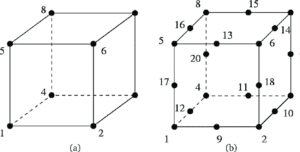 How to partition and use the Abaqus meshing module
 Too Many Attempts & Less than the Minimum specified Time Errors in Abaqus: Boundary conditions
 3 methods to use python in Abaqus for absolute beginners
 How to Use Restart in Abaqus Modeling
 Abaqus tutorial
 Increment and step time in Abaqus
 Decreasing processing time in explicit models

Need a full custom project? See the options below.

€129,00

€179,00

€149,00

€119,00

€129,00

€149,00
See more
Want to receive push notifications for all major on-site activities?