

Need a full custom project? See the options below.
Need a full custom project? See the options below.
Product overview:
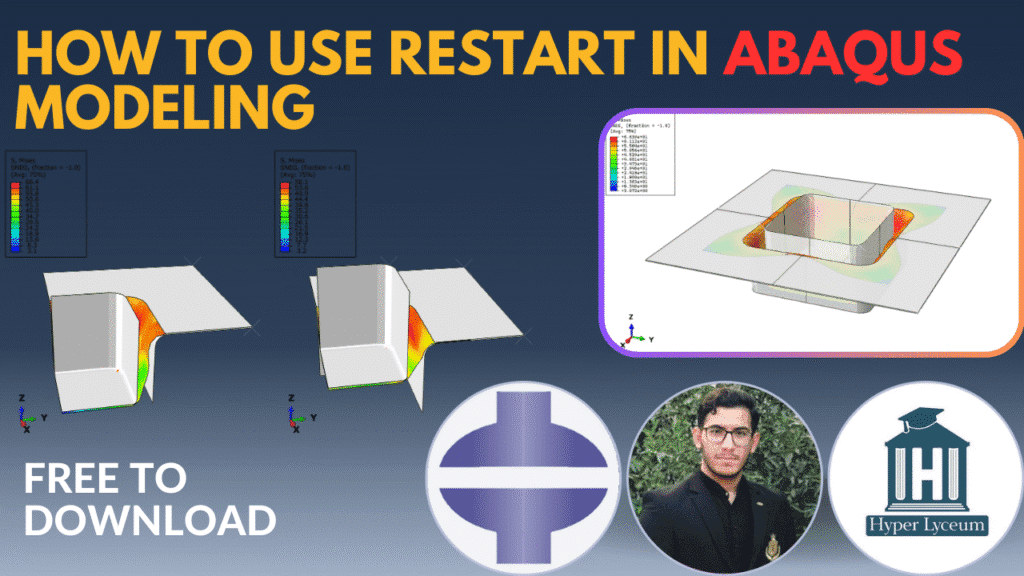
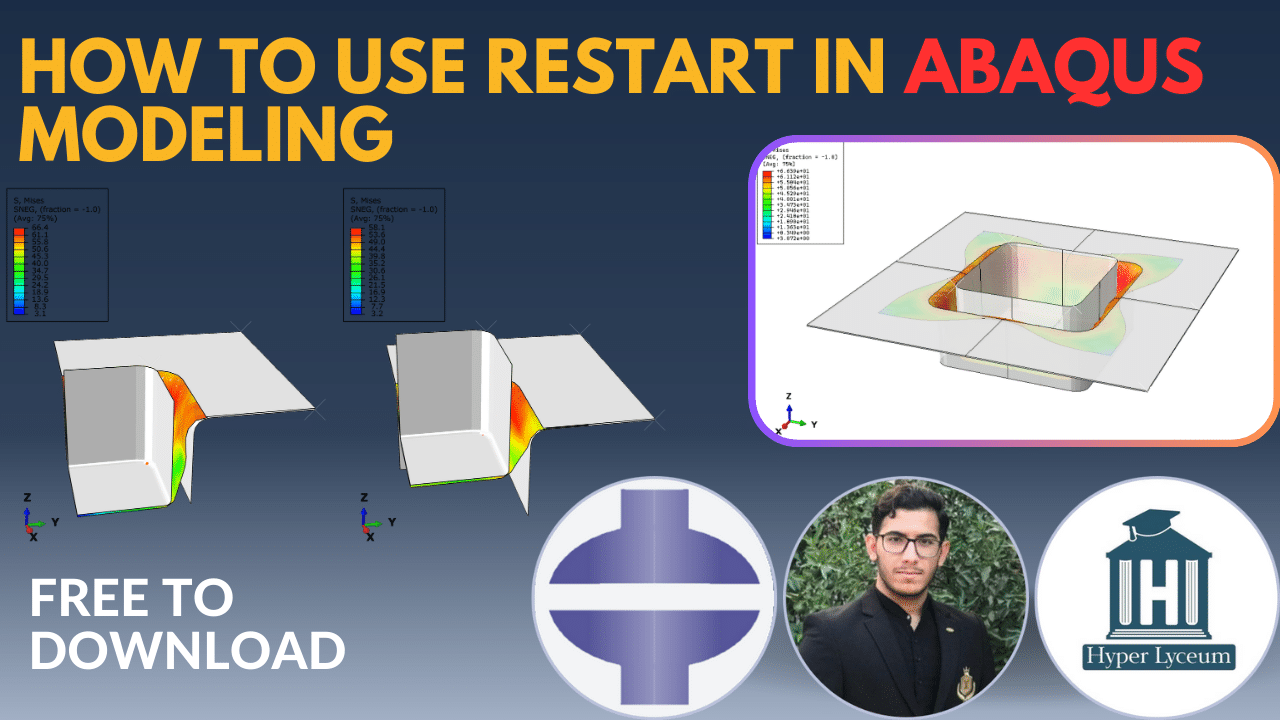
In this video, we learn “How to Restart an Abaqus Analysis.” We guide you through the essential steps and key considerations for effectively restarting an analysis in Abaqus. This powerful feature allows you to continue a previous analysis, saving both time and computational resources. We’ll cover everything from requesting restart files to configuring them and show the process with an example in Abaqus.
Need more than the files?
There are two ways we can help. Book a one hour online consultation if you want to talk a problem through with a CAE engineer, using the checkbox in the order box. Order a project if you need a full simulation built for you, delivered to an agreed scope, price and deadline under a written contract.
We work on FEA and CFD for engineers, researchers and companies. Order your project, or message us on WhatsApp for a quick reply.
Other packages engineers working on this topic also download.
 Too Many Attempts & Less than the Minimum specified Time Errors in Abaqus: Boundary conditions
 Increment and step time in Abaqus
 Decreasing processing time in explicit models
 Abaqus Mesh Algorithm
 3 methods to use python in Abaqus for absolute beginners
 ALE Method in Abaqus: Adaptive Meshing Tutorial (Lagrangian vs Eulerian vs ALE)
 How to partition and use the Abaqus meshing module
 Abaqus tutorial

Need a full custom project? See the options below.

€129,00

€179,00

€149,00

€119,00

€129,00

€149,00
See more
Want to receive push notifications for all major on-site activities?