
Need a full custom project? See the options below.
Need a full custom project? See the options below.
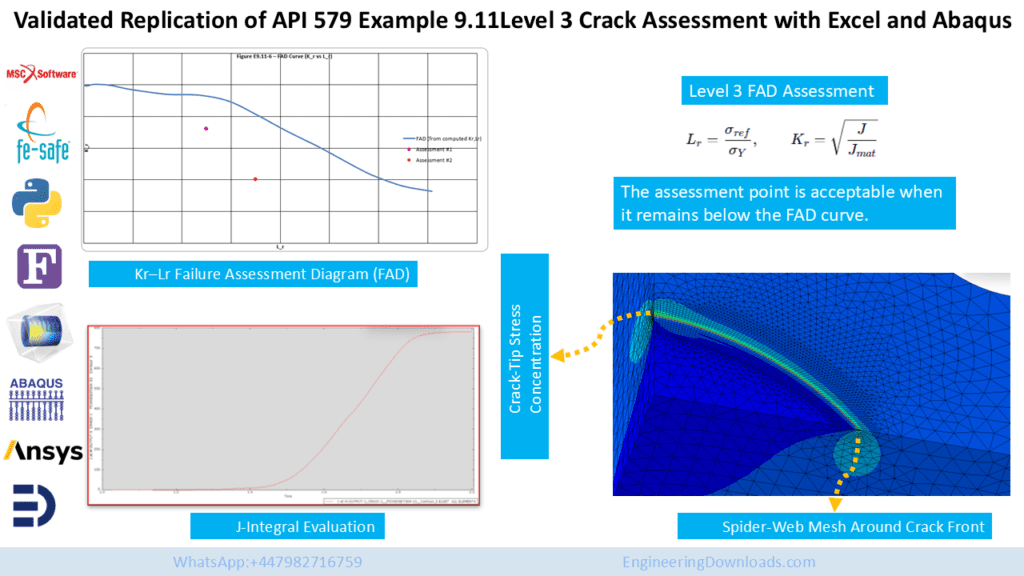
A ready-to-use replication of API 579-2 / ASME PTB-14 Example 9.11: a complete Level 3 FFS crack assessment workflow with the working Abaqus model files and the Excel FAD calculation file.
API 579 Level 3 assessments cannot be closed with a formula-based check. They need a proper finite element model, a reliable fracture parameter, and a clear route from FE output to a Failure Assessment Diagram point. The hard part is usually not the theory. It is seeing a full worked example end to end, with numbers you can check against a published reference.
This package gives you exactly that. The fracture model is solved in Abaqus to obtain the J-integral results, and those results feed the Excel FAD file to build the FAD curve and place the final assessment point.
Building a Level 3 fracture model from scratch is slow, and the first version is rarely trustworthy. Contour values drift, the mesh is wrong at the crack front, or the FAD inputs are misinterpreted. Because this model replicates a published reference example, you have a known answer to check against.
That makes it useful in three ways:
You need Abaqus to open and run the CAE/INP files, and Microsoft Excel (or a compatible spreadsheet) for the FAD calculation. If the nonlinear run is heavy for your workstation, you can run it on our HPC rental service, which starts from EUR 5 per week.
It is an independent replication of the example, built so the workflow and the results can be followed and verified. It is not a copy of the standard itself, and it does not replace owning API 579-2 / ASME PTB-14.
The Abaqus model files for the Example 9.11 replication and the Excel file used for the FAD calculation. The tutorial video is available as an add-on if you want the workflow explained on screen.
Yes. The model files are editable, so you can change geometry, material, flaw size and loading to match your own case. The Excel FAD file is set up so you can drop in your own J-integral values.
Yes. The API 579-1/ASME FFS-1 Level 3 assessment of a cracked pipe using ANSYS course covers the same Level 3 methodology with a SIF and limit load route in ANSYS Workbench.
Yes. We answer questions about the package, and if you need a complete assessment on a live component we also take on FEA, fracture and FFS consultation projects.
Many buyers use it as a validation case for academic work. If you need help turning a simulation study into a publishable paper, see our paper publication support service.
Need this workflow applied to your own component? Send us your case for a custom FFS project.
Need more than the files?
There are two ways we can help. Book a one hour online consultation if you want to talk a problem through with a CAE engineer, using the checkbox in the order box. Order a project if you need a full simulation built for you, delivered to an agreed scope, price and deadline under a written contract.
We work on FEA and CFD for engineers, researchers and companies. Order your project, or message us on WhatsApp for a quick reply.
Other packages engineers working on this topic also download.
 Repair Welding Residual Stress and 3D Fatigue Crack Growth in Abaqus: Ductile Cast Iron Wind-Turbine Hub (FFS Level 3)€299,00
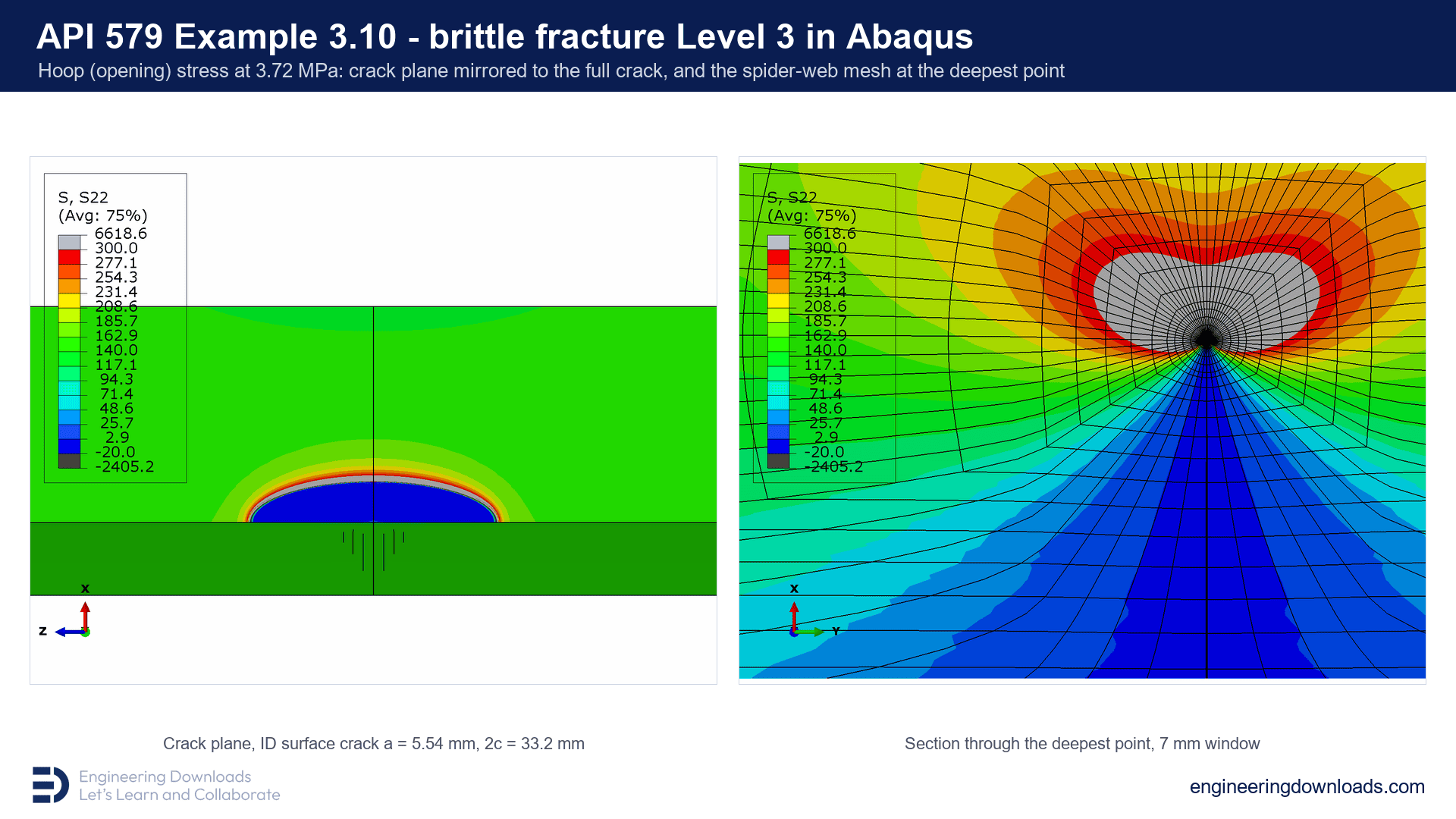 API 579 Example 3.10 in Abaqus: Brittle Fracture Level 3, Demethanizer Thermal Shock€139,00
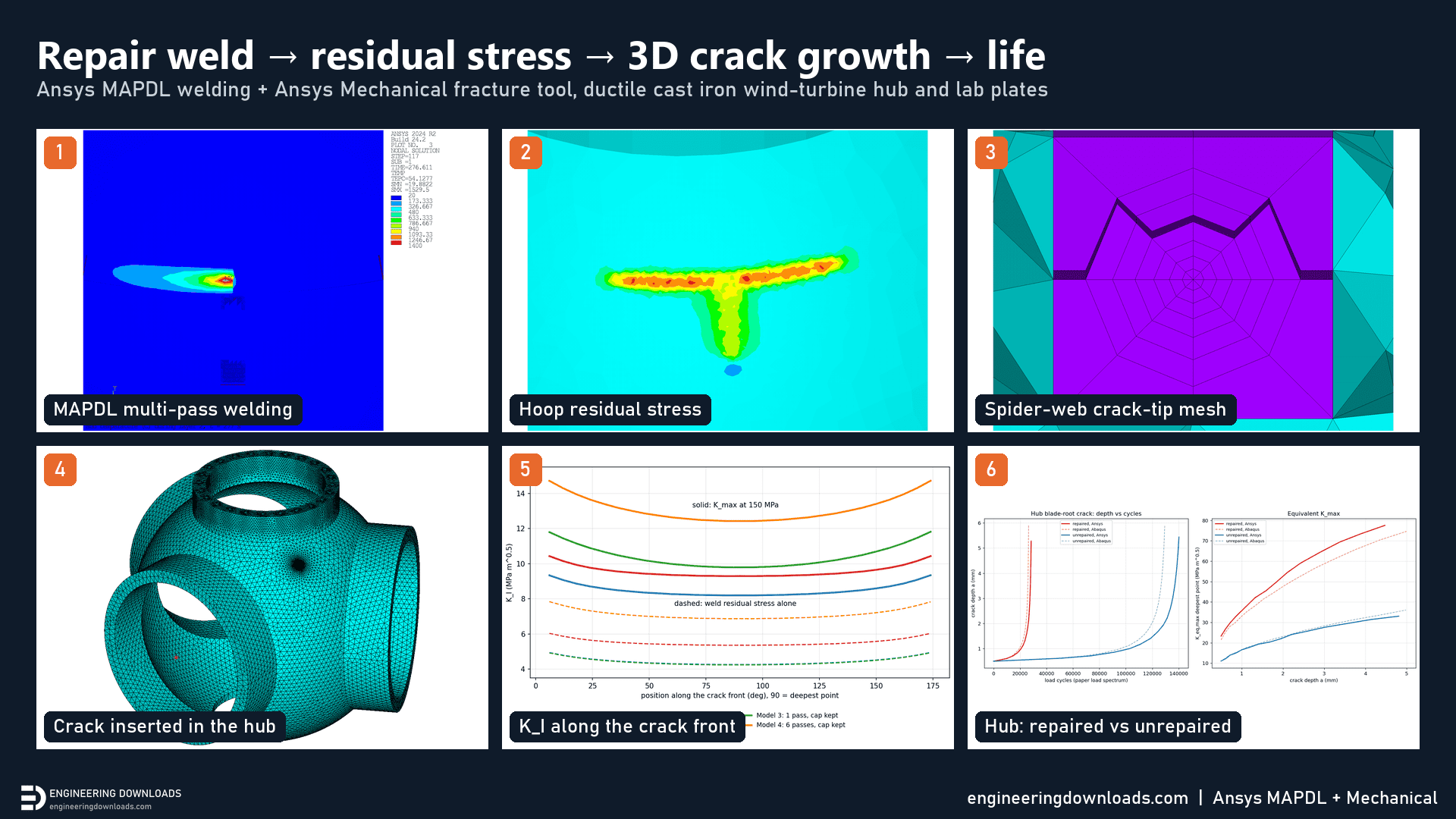 Repair Welding Residual Stress and 3D Fatigue Crack Growth in Ansys: Ductile Cast Iron Wind-Turbine Hub (FFS Level 3)€299,00
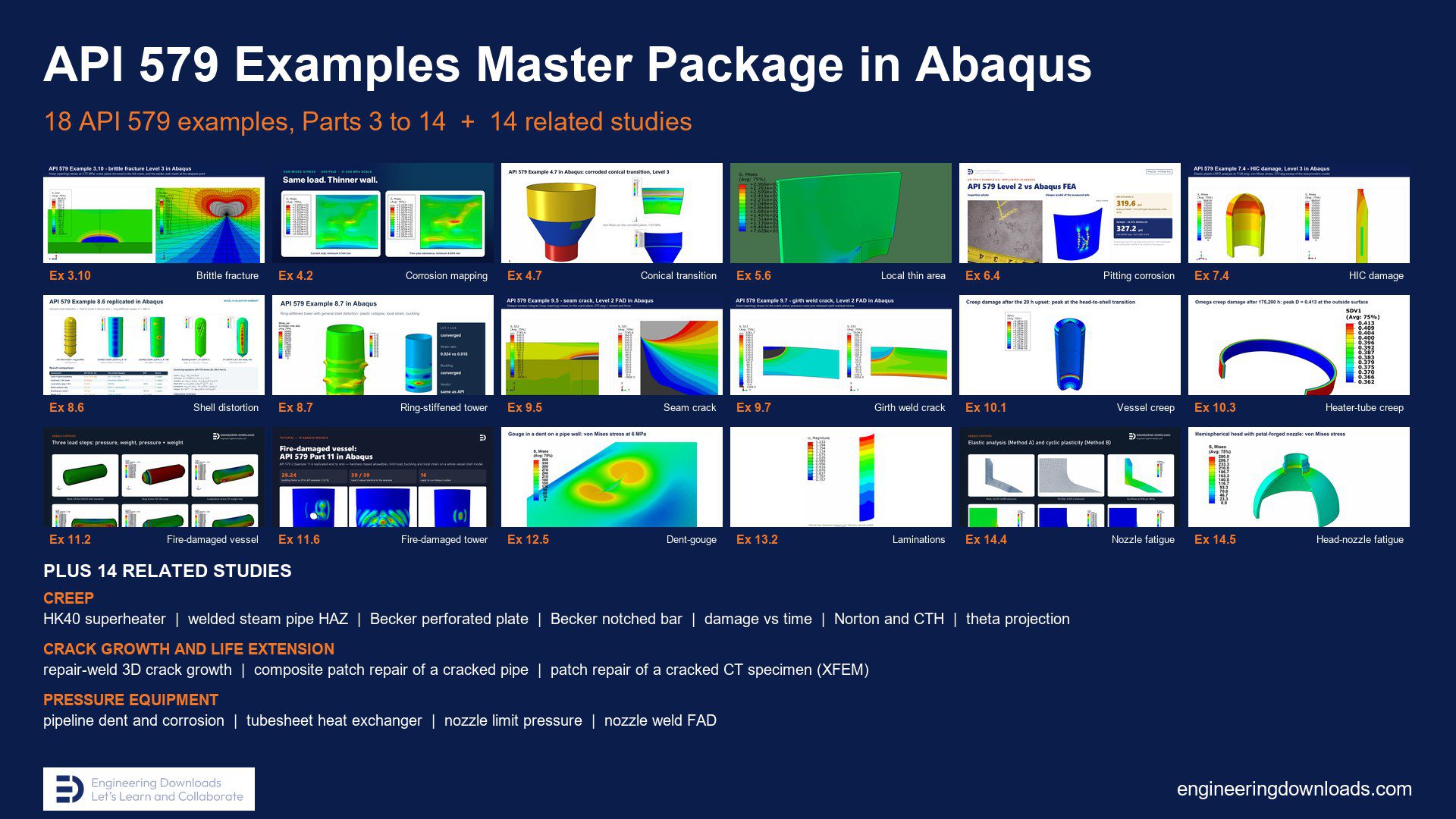 API 579 Examples Master Package in Abaqus: 18 Examples from Parts 3 to 14 plus 14 Creep, Crack Growth, Life Extension and Pressure-Equipment Studies
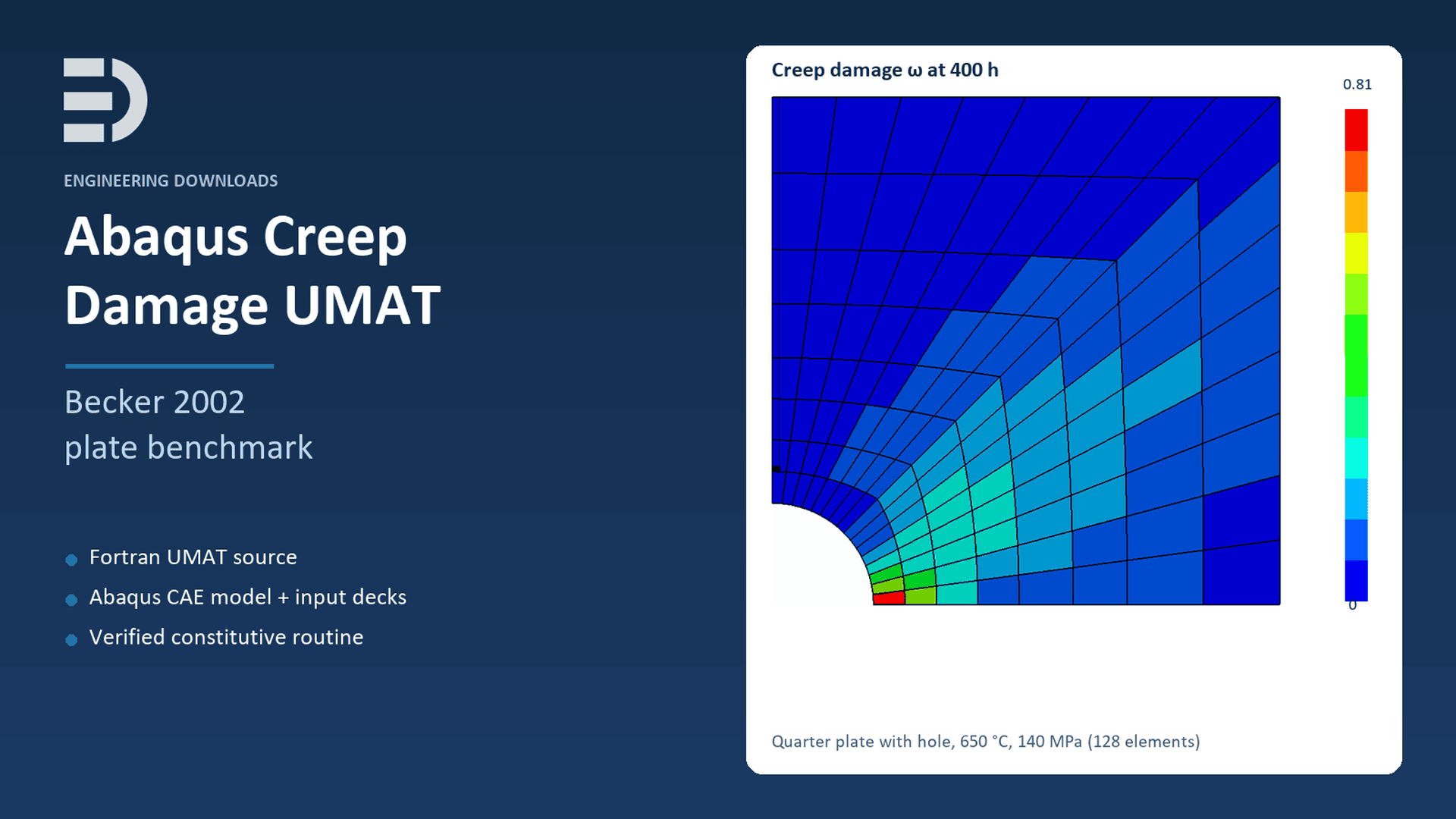 Creep Continuum Damage UMAT in Abaqus: Becker 2002 Perforated Plate Benchmark€49,00
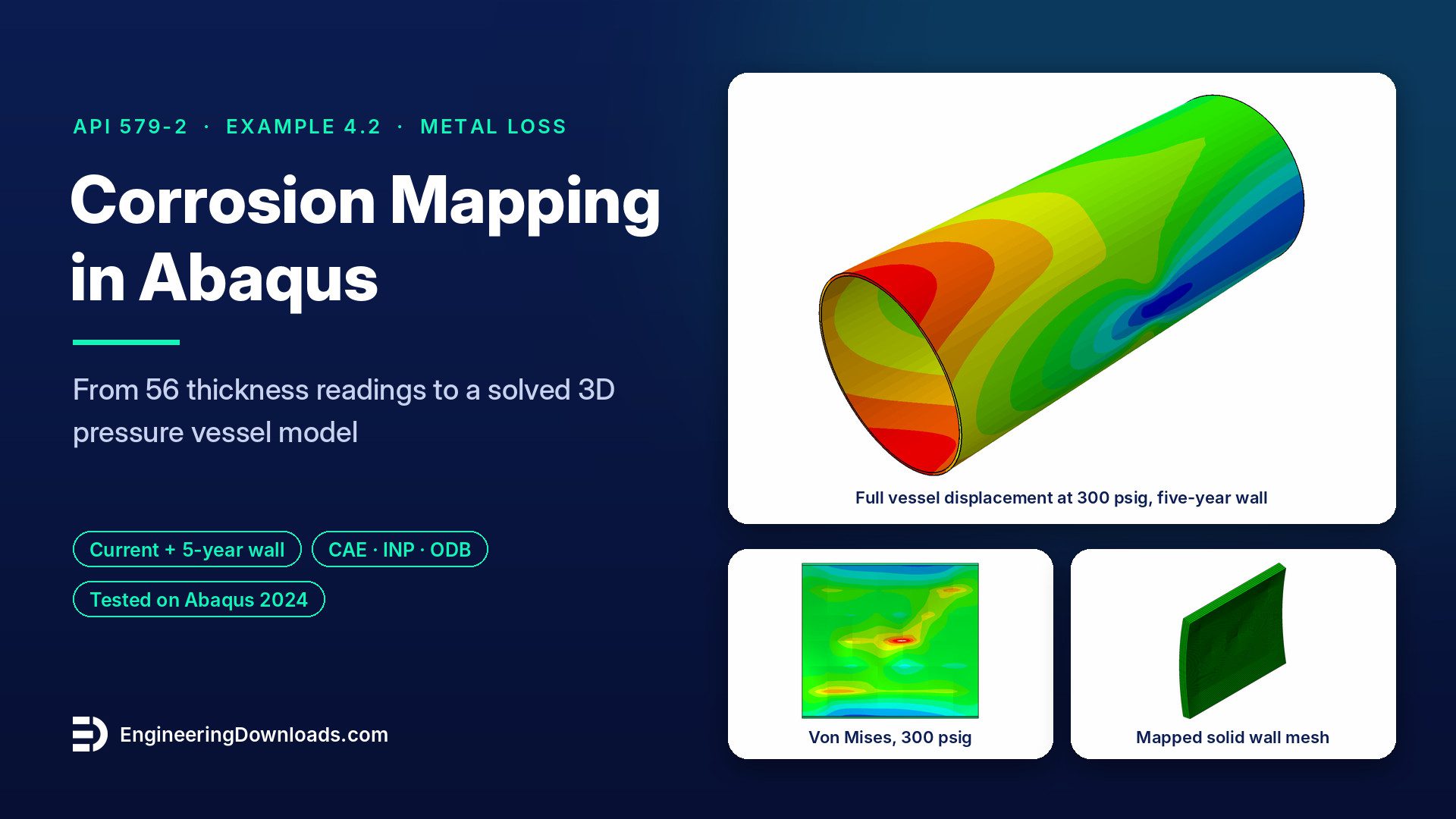 API 579 Example 4.2 in Abaqus: Corrosion Mapping of a Metal Loss Pressure Vessel
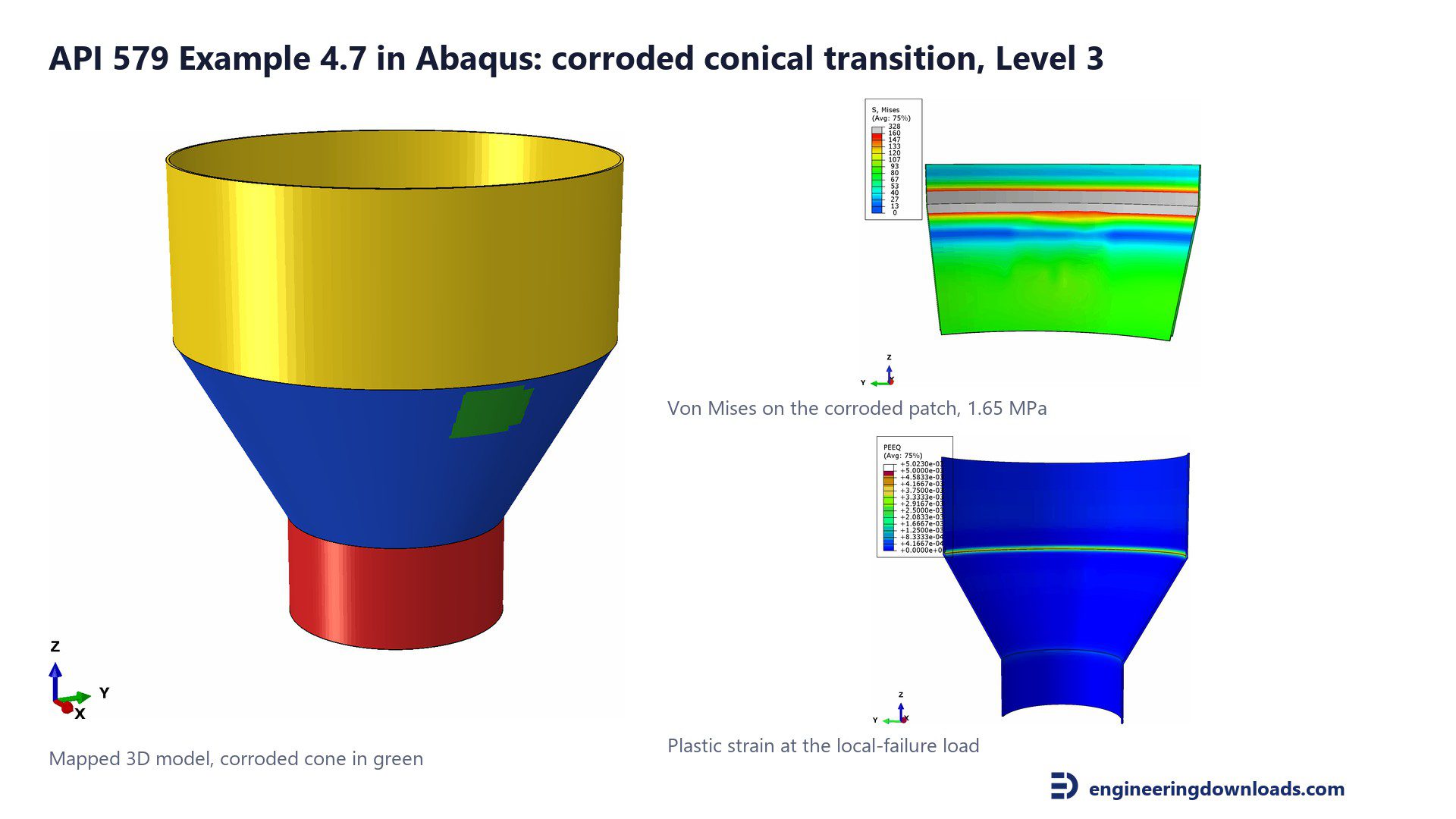 API 579 Example 4.7 in Abaqus: Corroded Conical Transition, Level 3 FFS
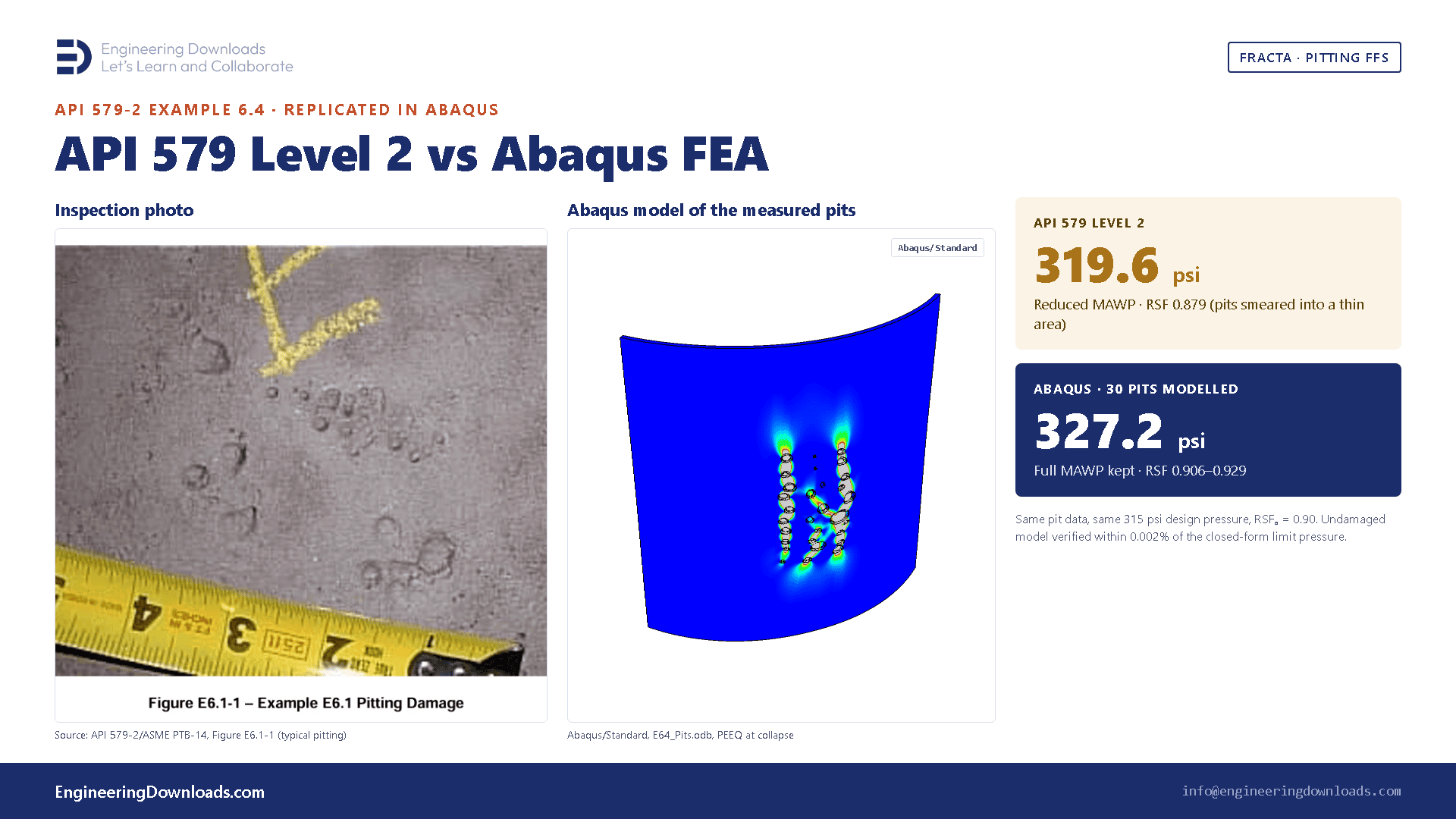 API 579 Example 6.4 in Abaqus: Localized Pitting Corrosion, Level 2 vs Level 3 FFS€129,00

Need a full custom project? See the options below.

€129,00

€179,00

€149,00

€119,00

€129,00

€149,00
See more
Want to receive push notifications for all major on-site activities?