Need a full custom project? See the options below.
Need a full custom project? See the options below.
This is a practical COMSOL Multiphysics tutorial course for beginners: 14 video lessons, about 3 hours and 10 minutes in total, that take you through the complete modelling workflow, from building the geometry to reading the results. The simulation files are included, so you can follow along and rebuild each model yourself.
COMSOL Multiphysics is a simulation environment built on the Finite Element Method (FEM), able to solve a wide range of partial differential equations. This course gives you a clear introduction to its interface and capabilities, whether you are completely new to simulation or moving across from another tool such as Abaqus or ANSYS.
COMSOL is powerful, but the interface can feel overwhelming at first. There are many physics modules, and the same model can be set up in several ways. Most beginners can draw a geometry but then get stuck on choosing the right physics interface, applying boundary conditions, building a mesh that actually converges, or understanding why the solver fails.
This course goes through the full workflow in order, so you learn the steps in the sequence you will actually use them, and you finish with the confidence to set up your own model instead of copying one.
Each lesson is designed to build practical skills and confidence in running simulations across multiple physical domains.
COMSOL Multiphysics. You need access to a COMSOL licence to follow the hands-on parts.
Once you know the workflow, these ready-to-use COMSOL models show it applied to real problems:
No. The course starts with the interface and the basic workflow, so it suits complete beginners. If you already use another FEA tool, it also works as a fast way to move across to COMSOL.
Yes, to build and run the models yourself you need access to COMSOL Multiphysics. You can still watch the lessons without it.
Yes. The simulation and modelling files come with the course, so you can open the finished models and compare them with your own.
About 3 hours and 10 minutes across 14 video lessons, so you can complete it in a day and then practise with the files.
Contact us and we will help. If you need a COMSOL model built for your own project, you can also talk to one of our engineers.
Need more than the files?
There are two ways we can help. Book a one hour online consultation if you want to talk a problem through with a CAE engineer, using the checkbox in the order box. Order a project if you need a full simulation built for you, delivered to an agreed scope, price and deadline under a written contract.
We work on FEA and CFD for engineers, researchers and companies. Order your project, or message us on WhatsApp for a quick reply.
Other packages engineers working on this topic also download.
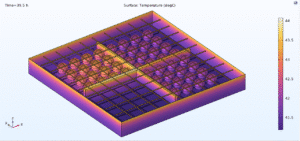 COMSOL-Based Comparative Study of PCM and Non-PCM Roof Configurations
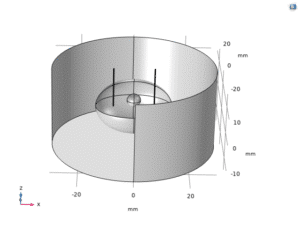 simulation laser treatment in comsol
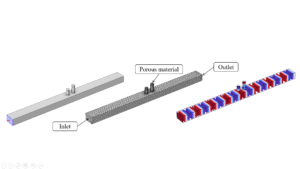 Sound Transmission Loss of a Quarter-Wave Tube Resonator
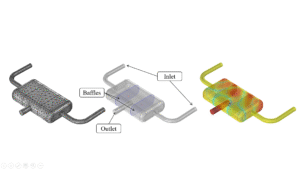 Sound Transmission Loss in a Vehicle Muffler
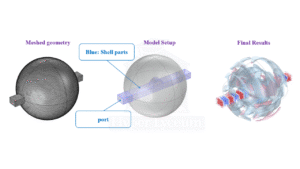 Breakout Noise in a Duct
 Near and Far-Field Noise of a Loudspeaker
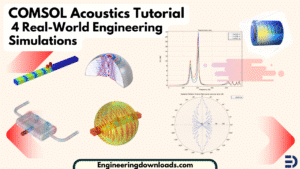 COMSOL Acoustics Tutorial Package – 4 Real-World Case Studies
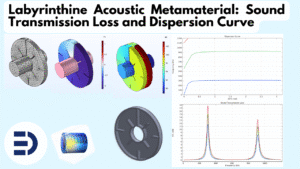 Labyrinthine Acoustic Metamaterial: Sound Transmission Loss and Dispersion Curve

Need a full custom project? See the options below.

€129,00

€179,00

€149,00

€119,00

€129,00

€149,00
See more
Want to receive push notifications for all major on-site activities?