
Need a full custom project? See the options below.
Need a full custom project? See the options below.
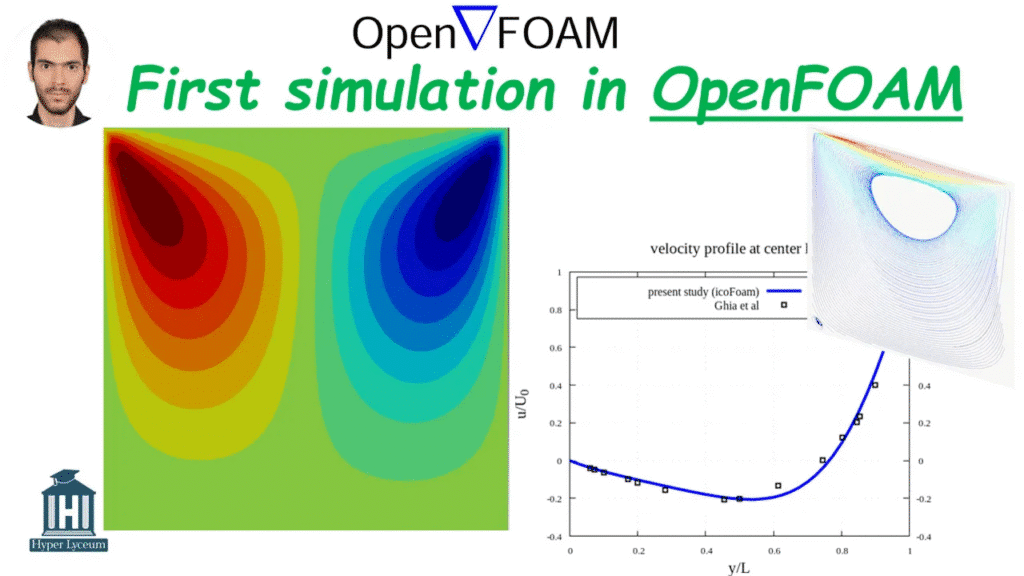
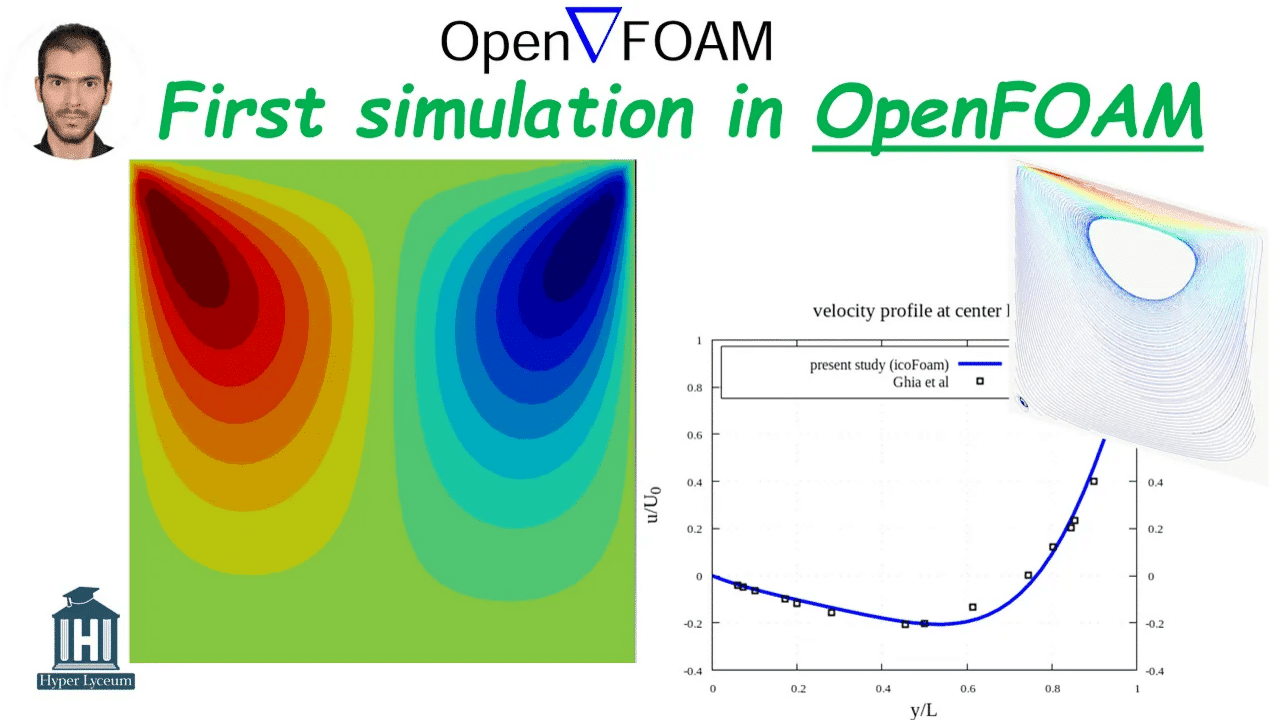
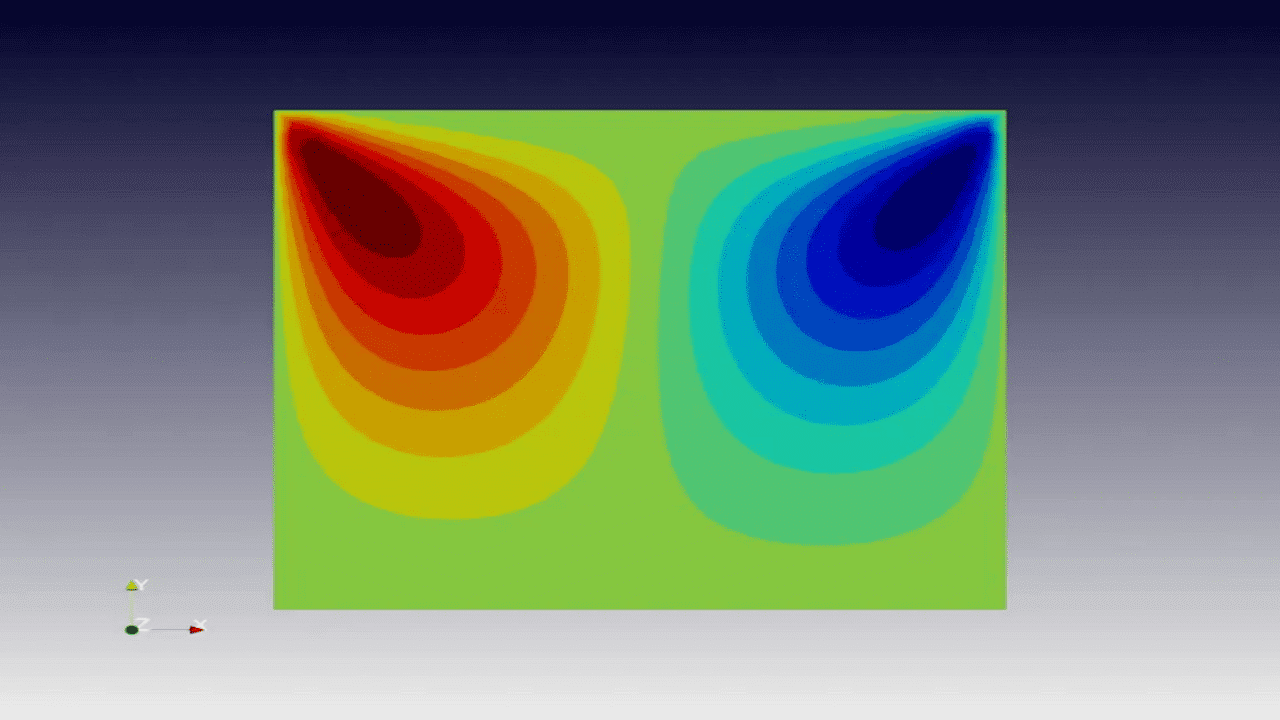
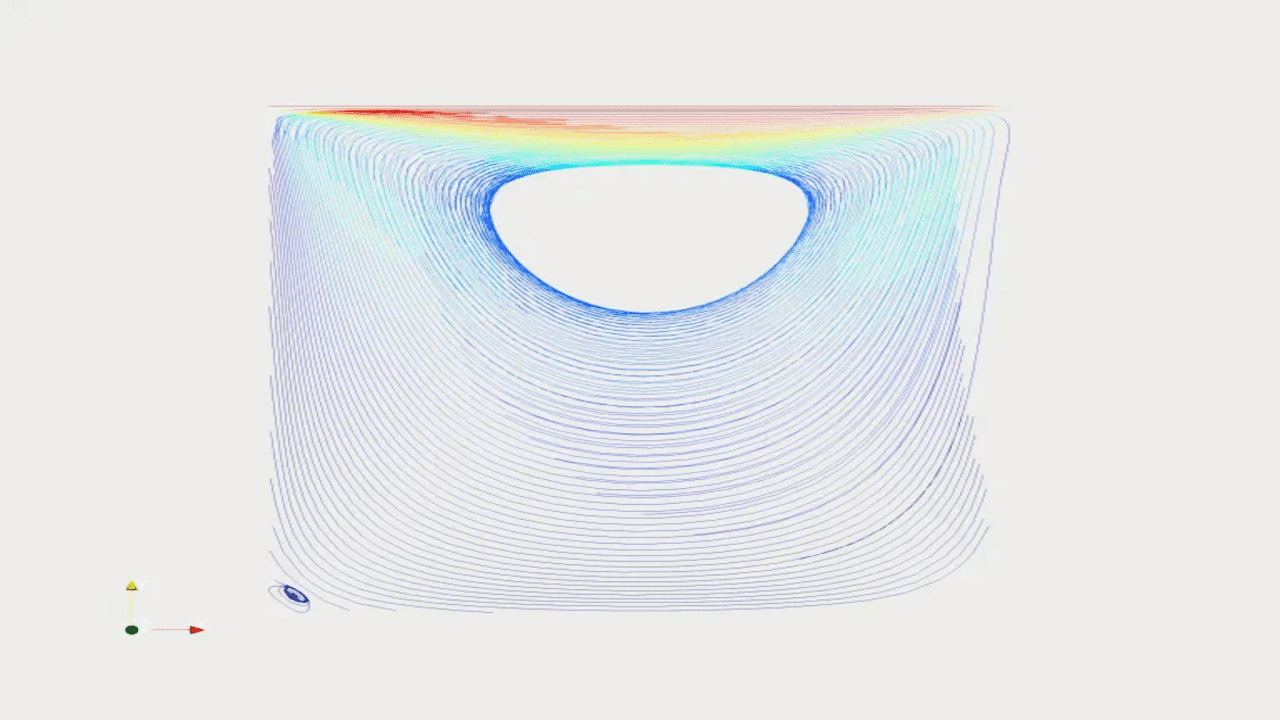
This beginner-friendly tutorial walks you through your first simulation in OpenFOAM by generating a mesh and running a lid-driven cavity flow using the icoFoam solver. You will learn how to set up the case using blockMesh, run the solver, and post-process the results in ParaView. This classic cavity flow case is widely used for validating CFD tools and understanding fundamental laminar flow behavior.
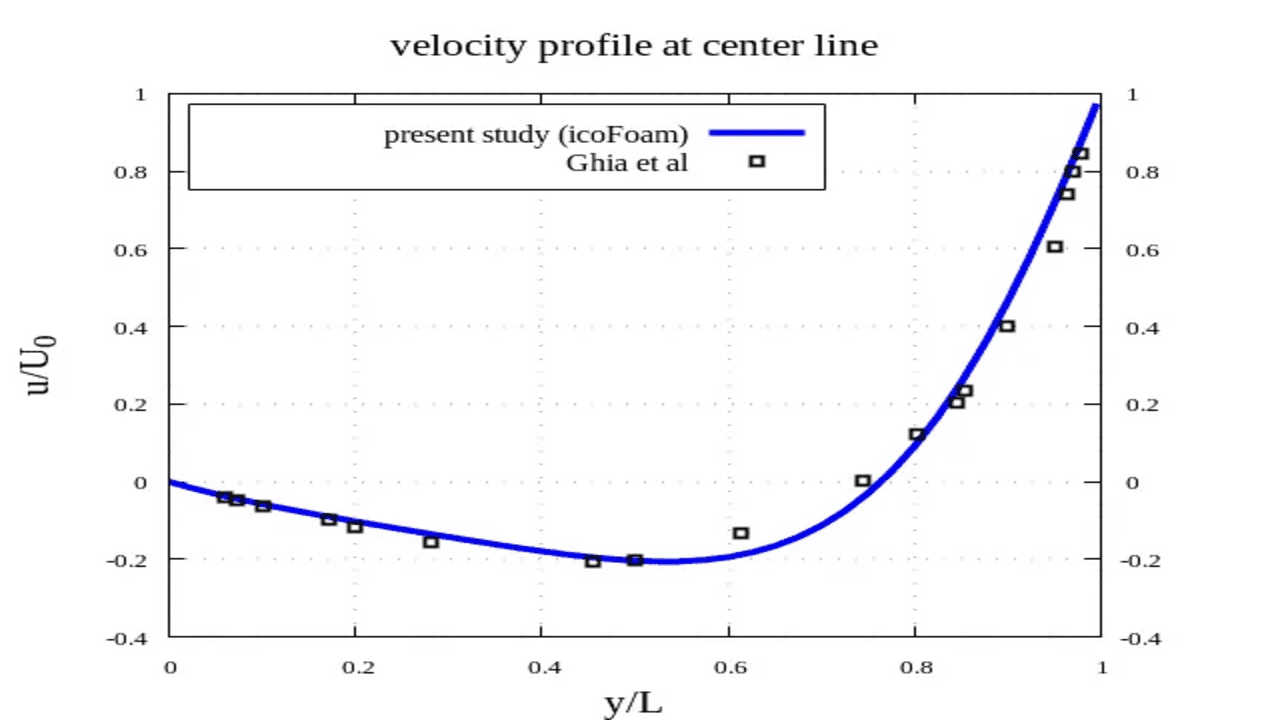
The tutorial also includes a validation step where simulated velocity profiles are compared with benchmark results from the literature—helping you gain both confidence and insight into the OpenFOAM workflow.
Need more than the files?
There are two ways we can help. Book a one hour online consultation if you want to talk a problem through with a CAE engineer, using the checkbox in the order box. Order a project if you need a full simulation built for you, delivered to an agreed scope, price and deadline under a written contract.
We work on FEA and CFD for engineers, researchers and companies. Order your project, or message us on WhatsApp for a quick reply.
Other packages engineers working on this topic also download.
 Mixing Milk and Honey: Simulating Miscible Fluid Dynamics with interMixingFoam in OpenFoam
 Flow through a porous media: using OpenFOAM
 ParaView: probe data and plot over a line€10,00
 Introduction to the OpenFOAM
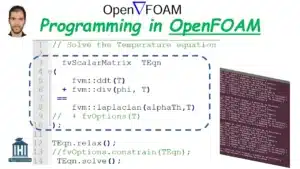 Programming in OpenFOAM: Adding energy equation
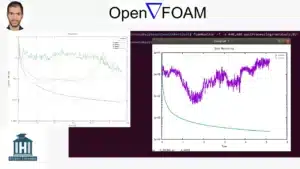 How to plot residuals in OpenFOAM: functionObject and pyFoam utilities
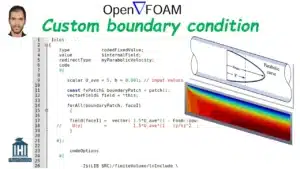 Programming in OpenFOAM: Writing a Custom Boundary Condition
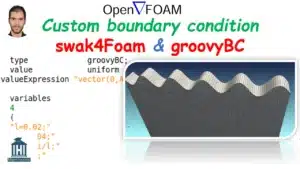 Boundary Condition in OpenFOAM: using swak4Foam and groovyBC

Need a full custom project? See the options below.

€129,00

€179,00

€149,00

€119,00

€129,00

€149,00
See more
Want to receive push notifications for all major on-site activities?