
Need a full custom project? See the options below.
Need a full custom project? See the options below.
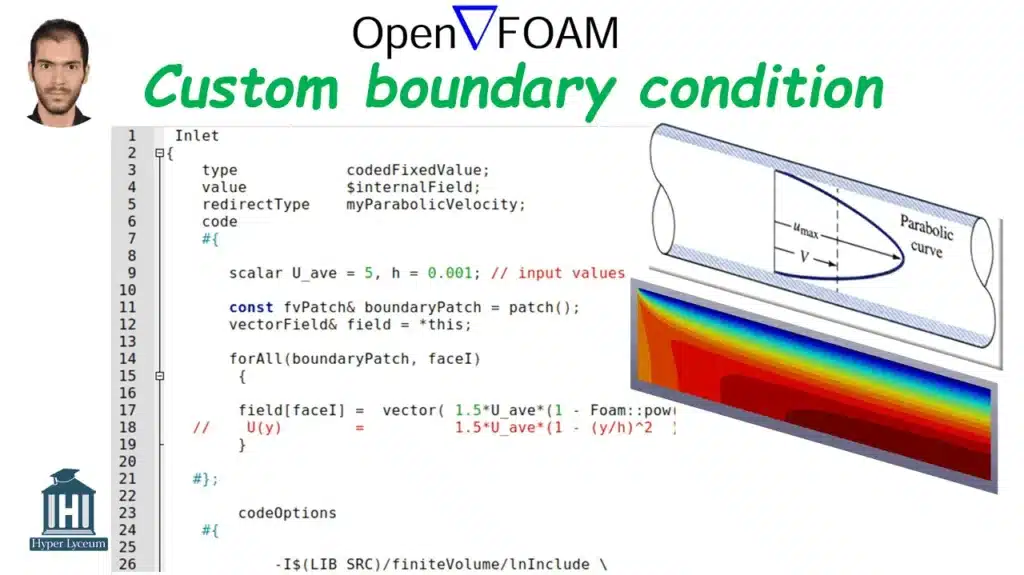
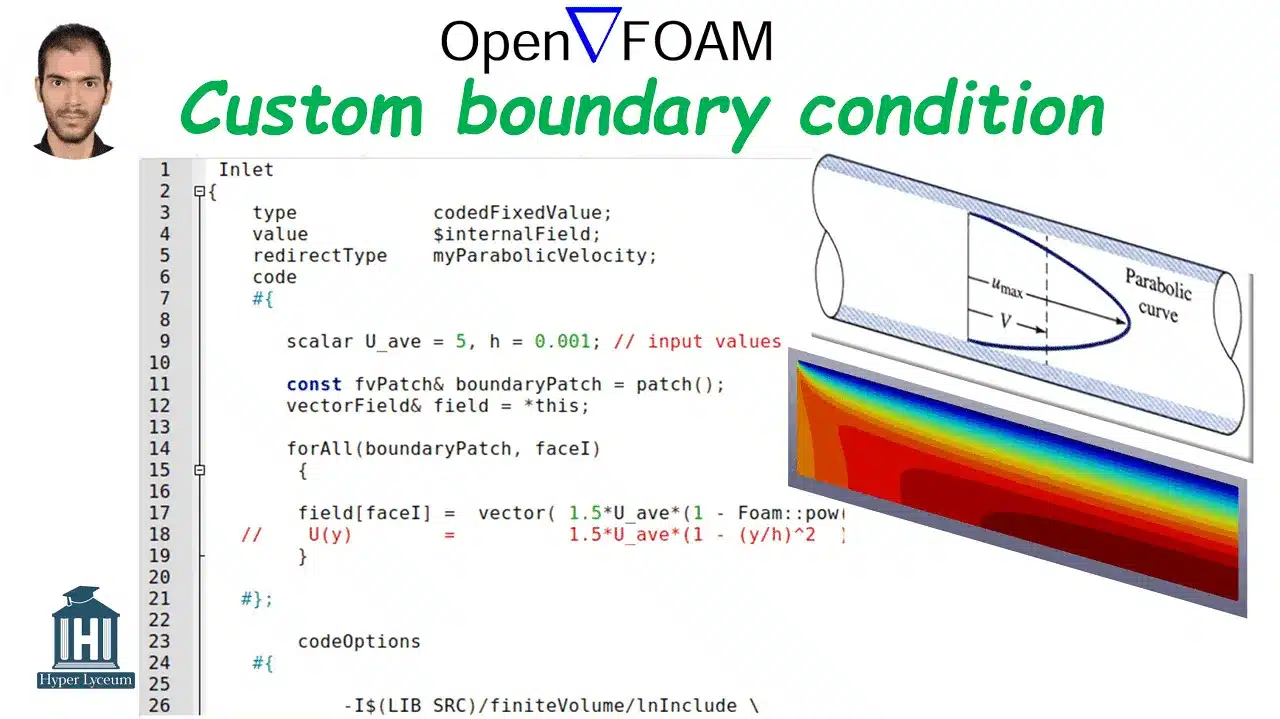
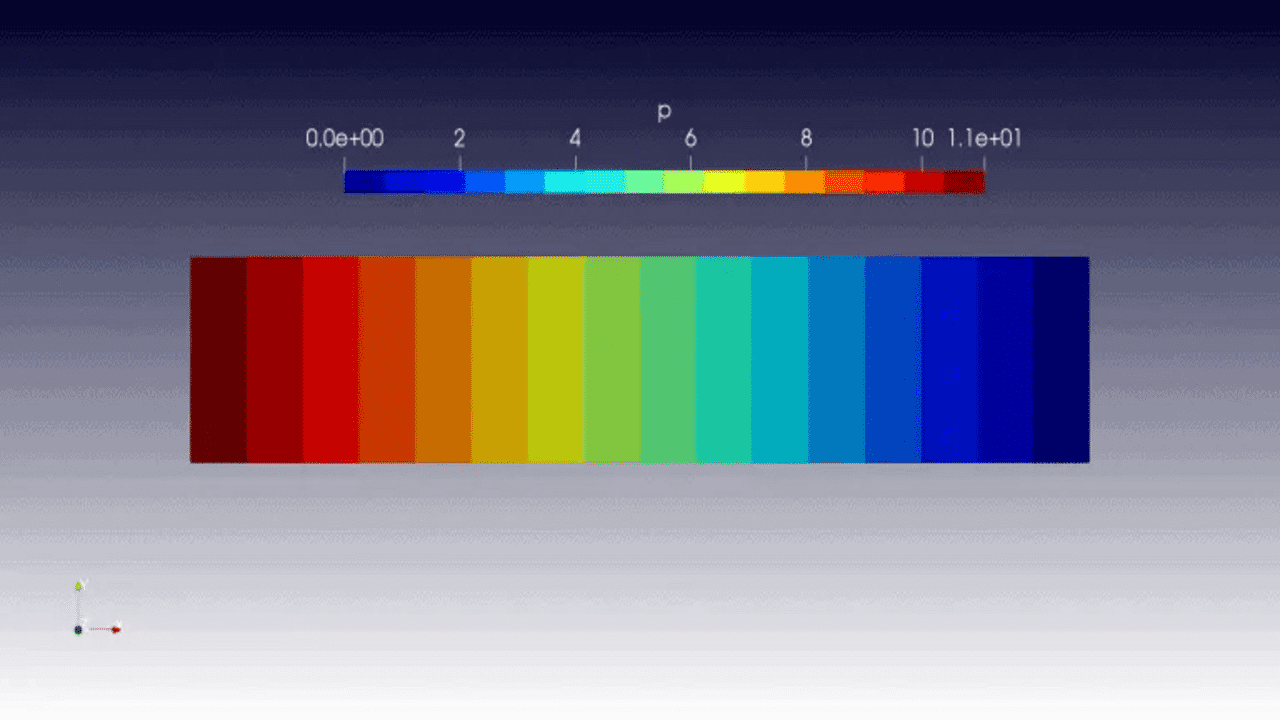
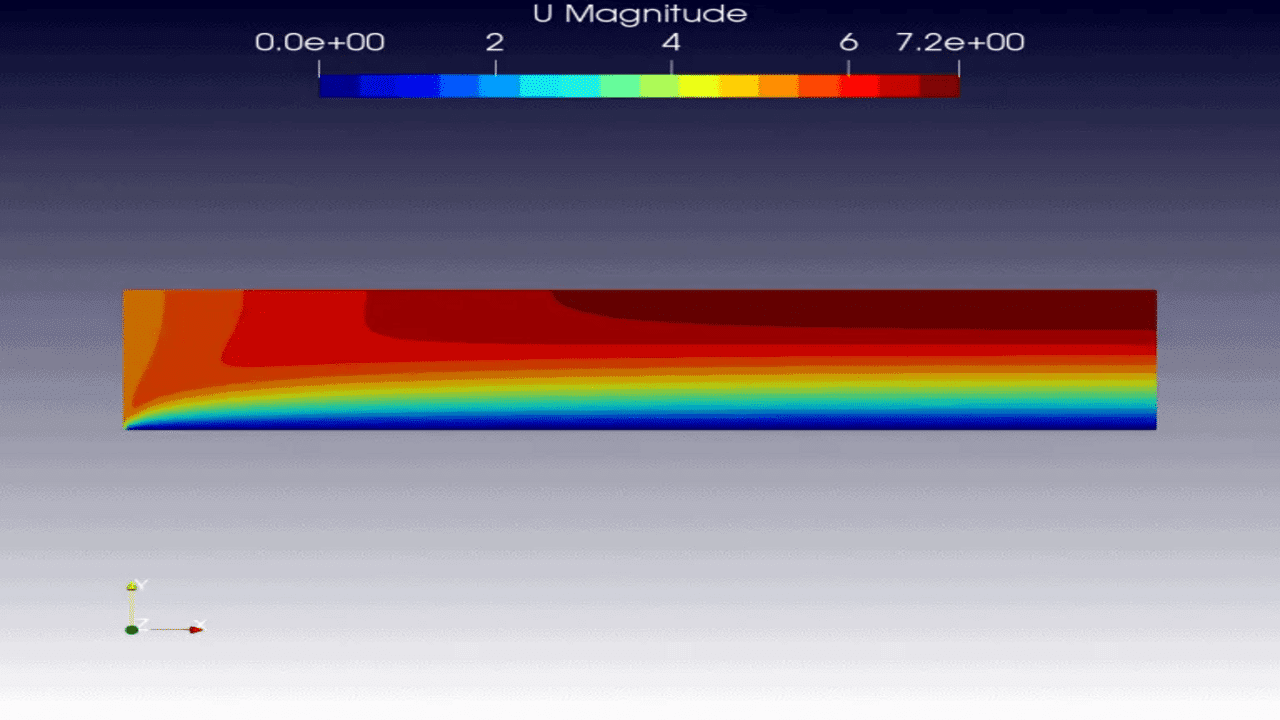
In this tutorial, you’ll learn how to write a custom boundary condition in OpenFOAM using the codedFixedValue feature. This step-by-step guide walks you through programming a user-defined inlet condition to model fully developed laminar flow in a rectangular channel—a classic Hagen–Poiseuille flow scenario.
The tutorial compares two inlet conditions:
A constant velocity profile
A parabolic velocity profile (representing fully developed flow)
By the end of this lesson, you’ll be equipped to define and program velocity profiles using C++ directly within OpenFOAM, giving you more control over your simulation setups.
Need more than the files?
There are two ways we can help. Book a one hour online consultation if you want to talk a problem through with a CAE engineer, using the checkbox in the order box. Order a project if you need a full simulation built for you, delivered to an agreed scope, price and deadline under a written contract.
We work on FEA and CFD for engineers, researchers and companies. Order your project, or message us on WhatsApp for a quick reply.
Other packages engineers working on this topic also download.
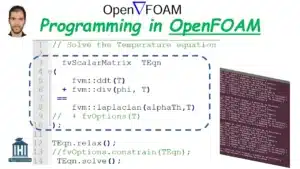 Programming in OpenFOAM: Adding energy equation
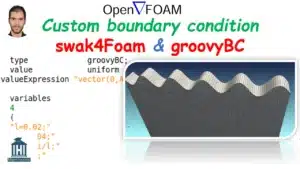 Boundary Condition in OpenFOAM: using swak4Foam and groovyBC
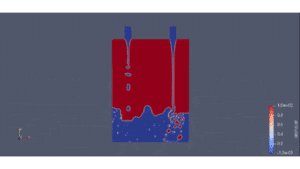 Mixing Milk and Honey: Simulating Miscible Fluid Dynamics with interMixingFoam in OpenFoam
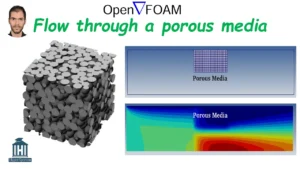 Flow through a porous media: using OpenFOAM
 ParaView: probe data and plot over a line€10,00
 Introduction to the OpenFOAM
 First simulation in OpenFOAM
 How to plot residuals in OpenFOAM: functionObject and pyFoam utilities

Need a full custom project? See the options below.

€129,00

€179,00

€149,00

€119,00

€129,00

€149,00
See more
Want to receive push notifications for all major on-site activities?