


Need a full custom project? See the options below.
Need a full custom project? See the options below.
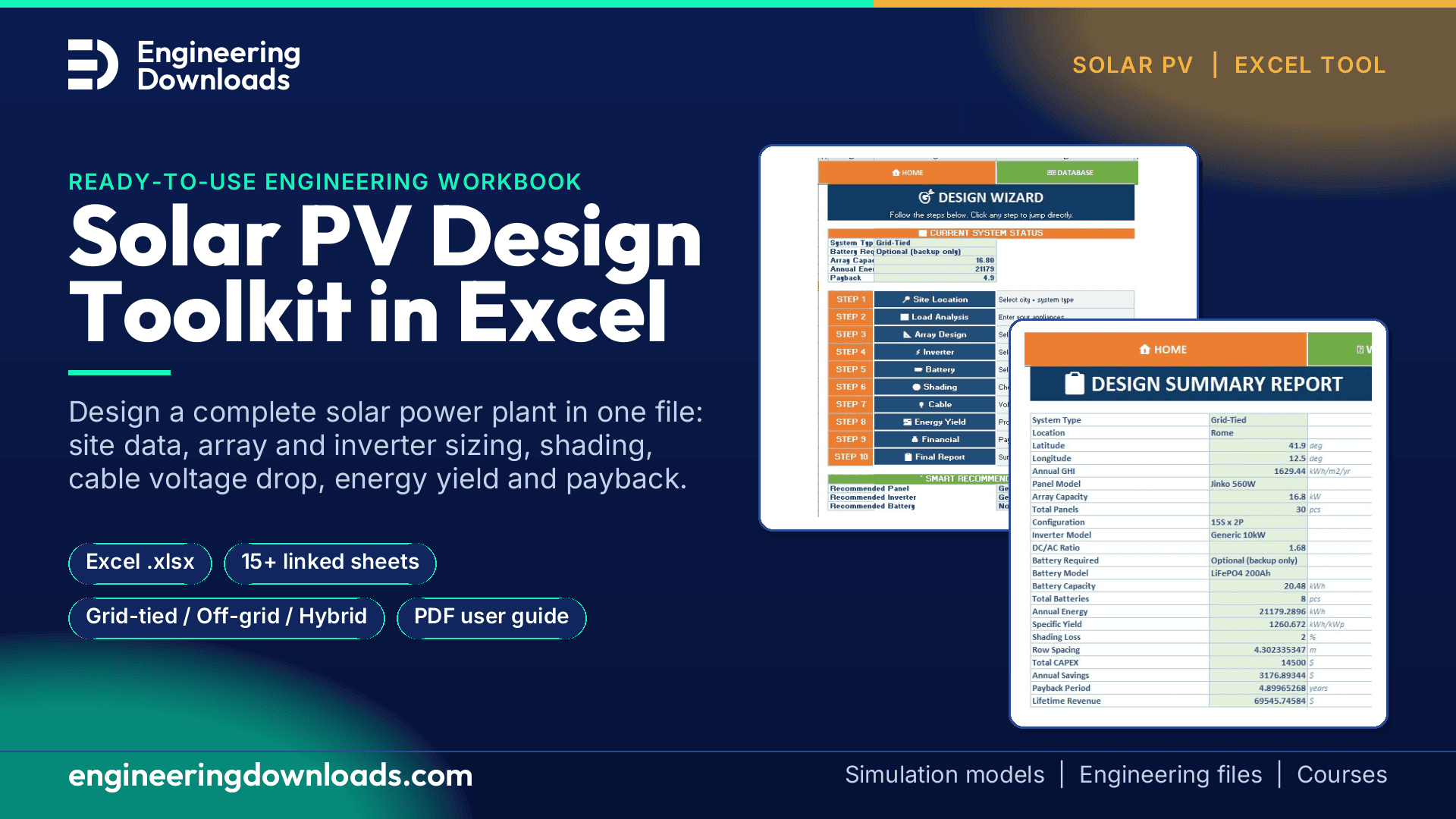
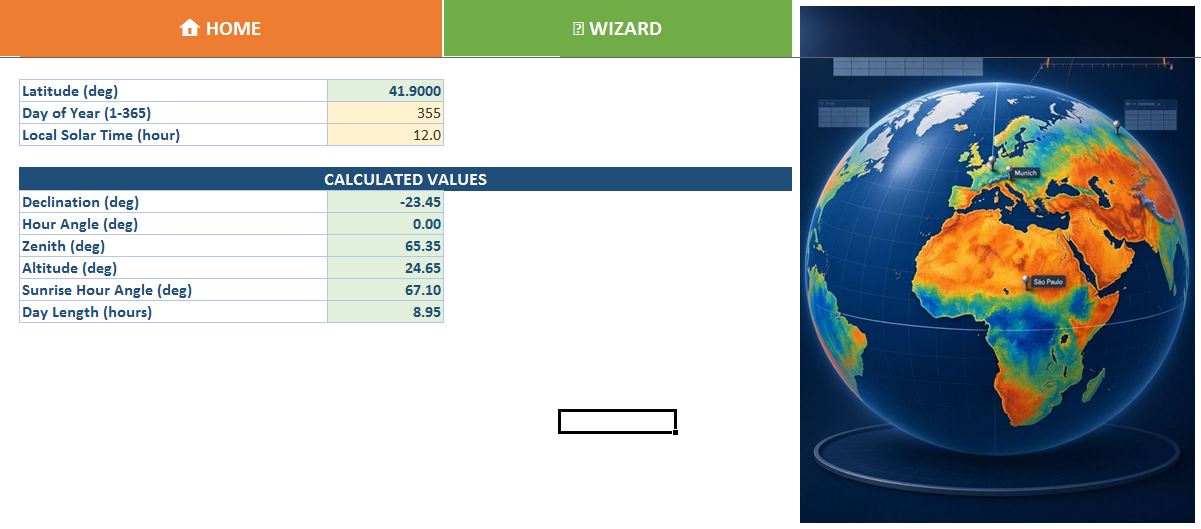
The Solar PV Design Toolkit is a ready-to-use Excel workbook that takes you through the full design of a solar photovoltaic system, from choosing the site to checking the payback period. Every sheet is linked, so when you change one input, the whole design updates.
Instead of jumping between separate calculators, datasheets and spreadsheets, you get one organized file with the sizing logic, equipment databases, energy yield and financial analysis in the same place. It is useful for quick feasibility studies, student projects, teaching, and checking a PV design before you go into detailed software.
A built-in wizard guides you through the design in 10 steps, with hyperlinked buttons to jump between sheets:
The wizard also shows the current system status and smart recommendations for the panel, inverter and battery, so you always know where your design stands.
The screenshots on this page show a sample grid-tied design for Rome with these results from the Design Summary sheet:
These are example inputs. Change the city, equipment or prices and the results update for your own project.
You only need Microsoft Excel. The file is a standard .xlsx workbook, so no macros, add-ins or programming are required. Basic knowledge of PV system components is helpful, but the wizard and user guide explain each step.
Need extra cities, custom equipment or an extended financial model? The author offers customization. Send your request through the Q&A section on this page.
If the files do not match this description, contact us and we will make it right under the Engineering Downloads quality guarantee.
No. You only need Microsoft Excel. The workbook uses standard formulas, dropdowns and hyperlinks, with no macros or add-ins.
Yes. You can choose grid-tied, off-grid or hybrid in the system type selection, and the battery and sizing calculations adjust automatically.
Yes. You can enter your own latitude and longitude, and add panels, inverters, batteries, controllers, cables and cities in the unified database sheet. New items appear in all dropdowns automatically.
Yes. It calculates CAPEX, OPEX, annual savings, payback period and lifetime revenue, and it produces a bill of materials with pricing.
Yes. All formulas are visible and the design follows a clear step-by-step wizard, which makes it useful for courses, assignments and final-year projects.
Browse more ready-to-use engineering files and simulation models in the Engineering Downloads shop, or see another project from the same author: Arduino Digital Multimeter with Proteus simulation and source code.
Copyright © 2026 Ahmad Asghari. All rights reserved. Unauthorized copying or distribution is prohibited.
Need more than the files?
There are two ways we can help. Book a one hour online consultation if you want to talk a problem through with a CAE engineer, using the checkbox in the order box. Order a project if you need a full simulation built for you, delivered to an agreed scope, price and deadline under a written contract.
We work on FEA and CFD for engineers, researchers and companies. Order your project, or message us on WhatsApp for a quick reply.
Other packages engineers working on this topic also download.
 Repair Welding Residual Stress and 3D Fatigue Crack Growth in Abaqus: Ductile Cast Iron Wind-Turbine Hub (FFS Level 3)€299,00
 Monopile Offshore Wind Turbine in Abaqus: Soil-Structure Interaction and Bolted Flange, after Jacomet et al. (2021)€169,00
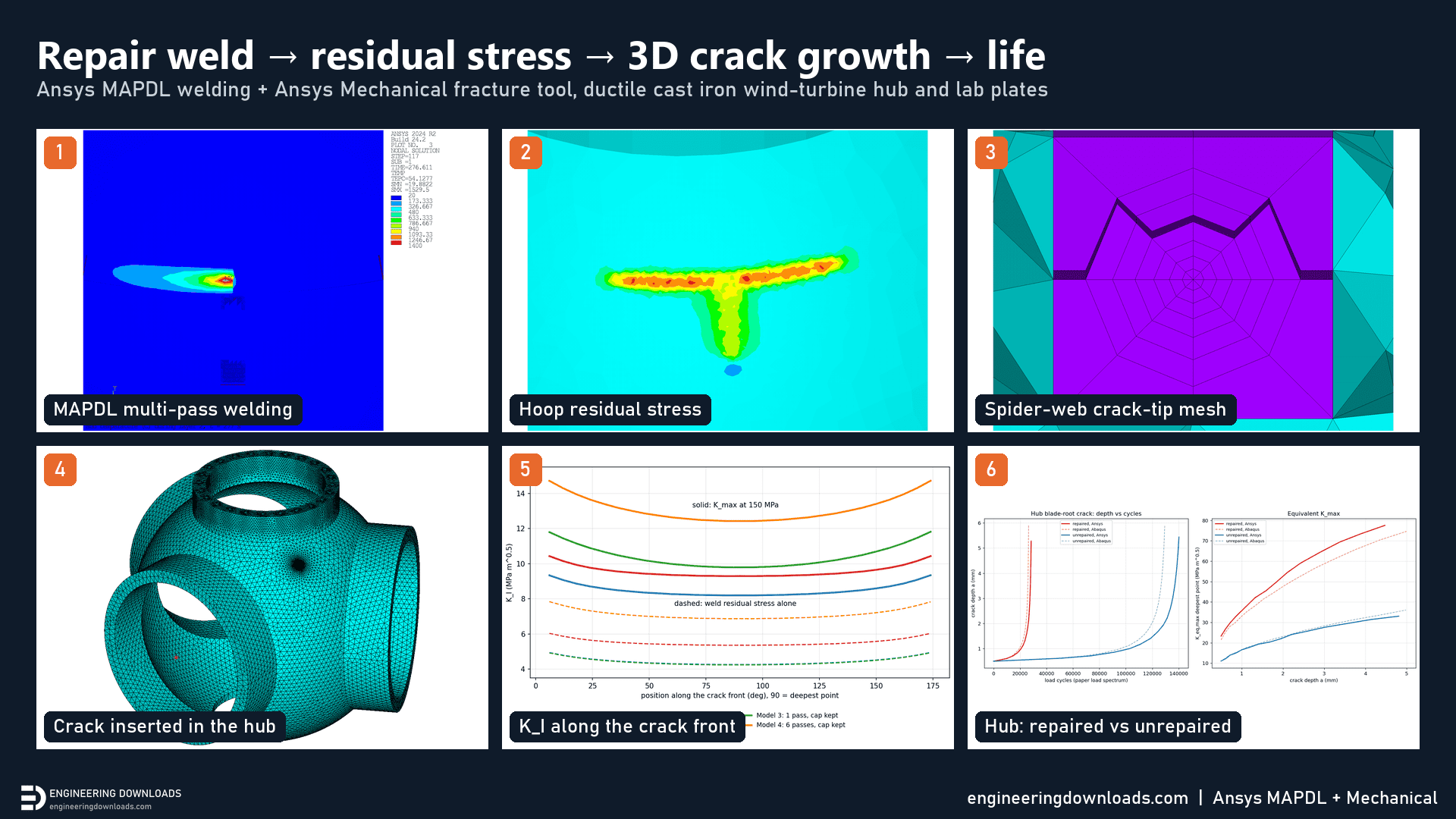 Repair Welding Residual Stress and 3D Fatigue Crack Growth in Ansys: Ductile Cast Iron Wind-Turbine Hub (FFS Level 3)€299,00
 Wind Turbine Tower Buckling at Man Door and Vent Openings in Abaqus: GMNIA, after Gantes et al. (2024)€149,00
 Wind Turbine Tower Man Door and Ventilation Opening Buckling in Ansys: GMNIA after Gantes et al. (2024)€129,00
 Low and High velocity impact analysis of a T-shaped steel reinforced concrete column
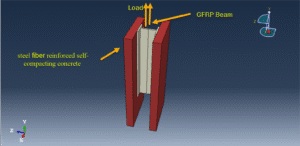 Push-Out analysis of GFRP-concrete adhesively bonded to steel fibre reinforced self-compacting concrete (SFRSCC)
 Water and Air Analysis Package

Need a full custom project? See the options below.

€129,00

€179,00

€149,00

€119,00
€129,00
See more
Want to receive push notifications for all major on-site activities?