
Need a full custom project? See the options below.
Need a full custom project? See the options below.
Product Overview:
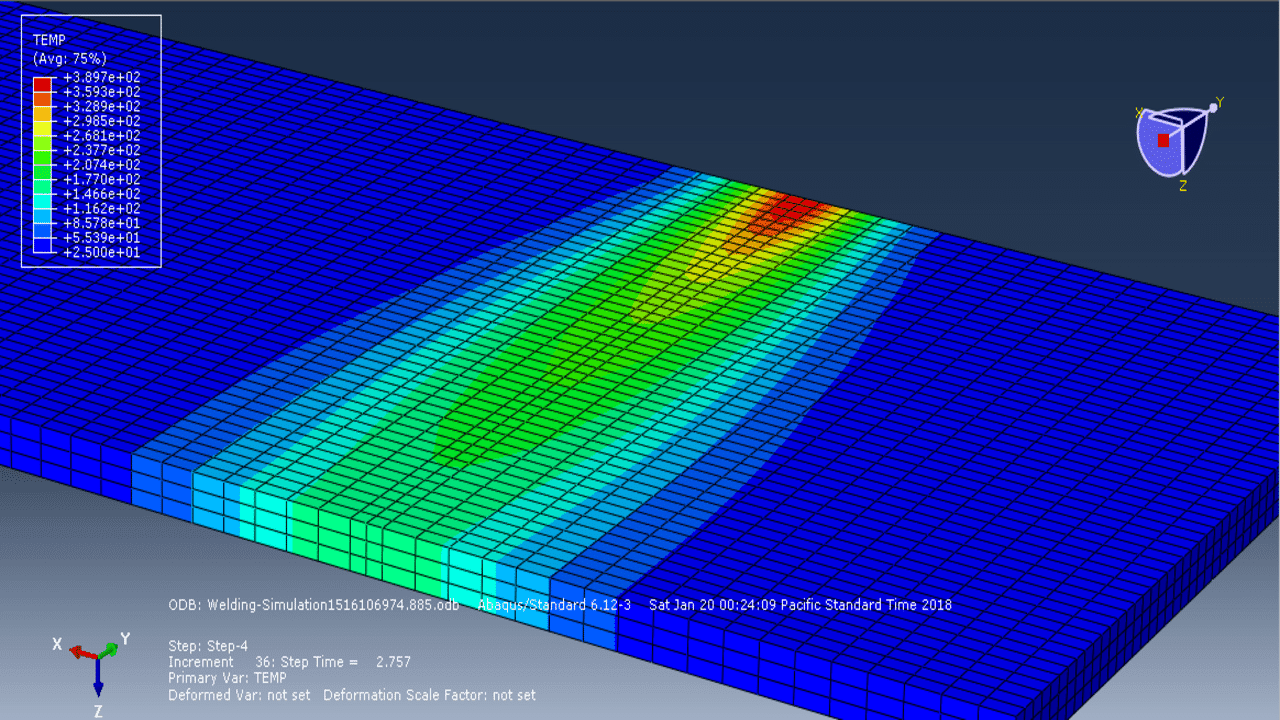
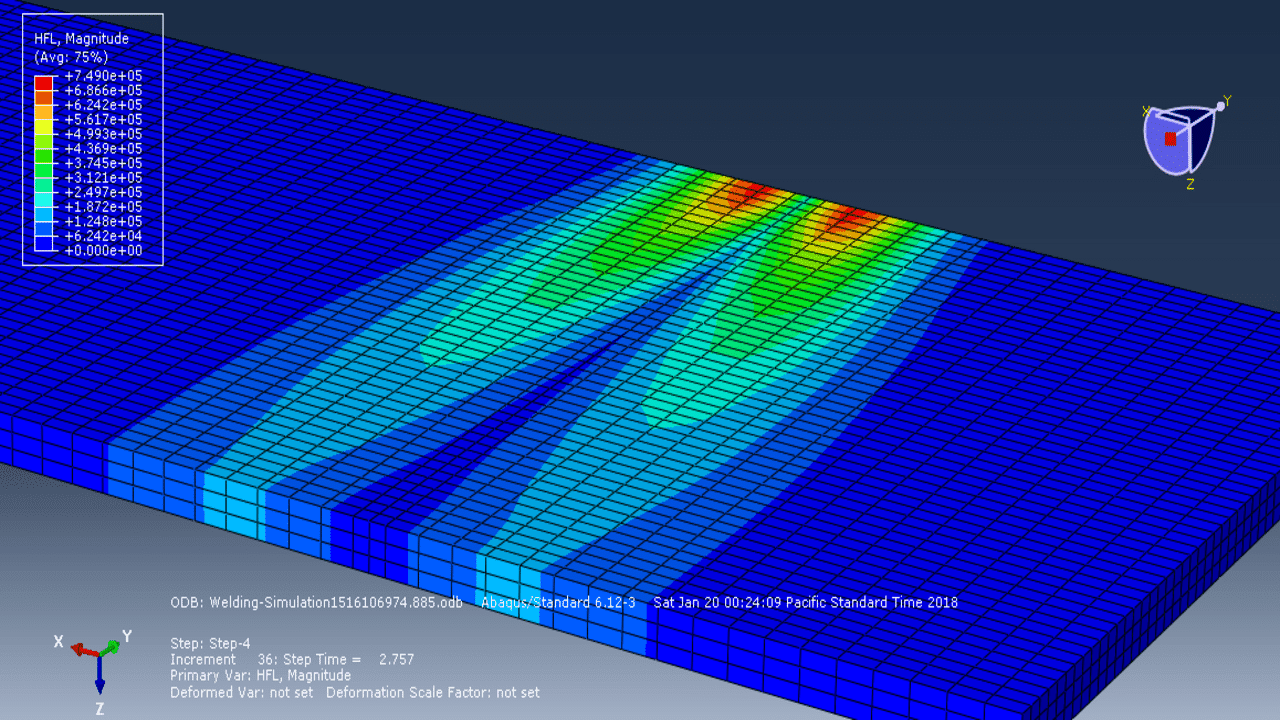
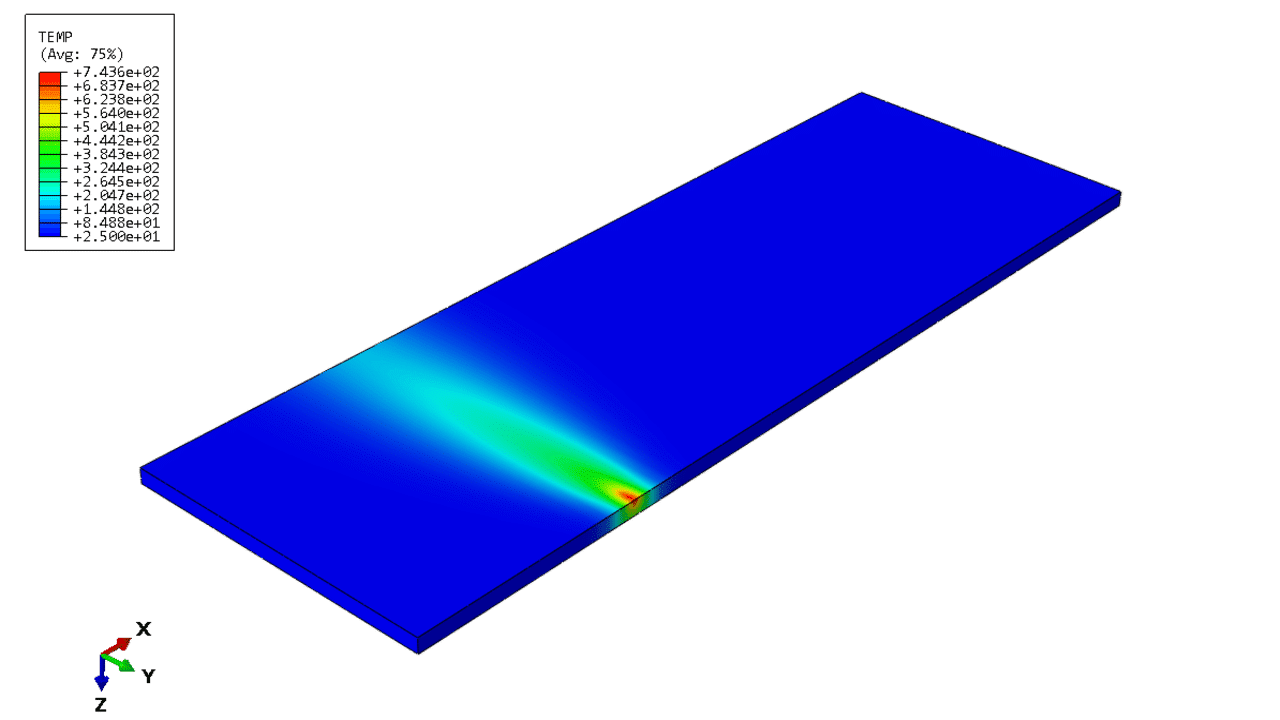
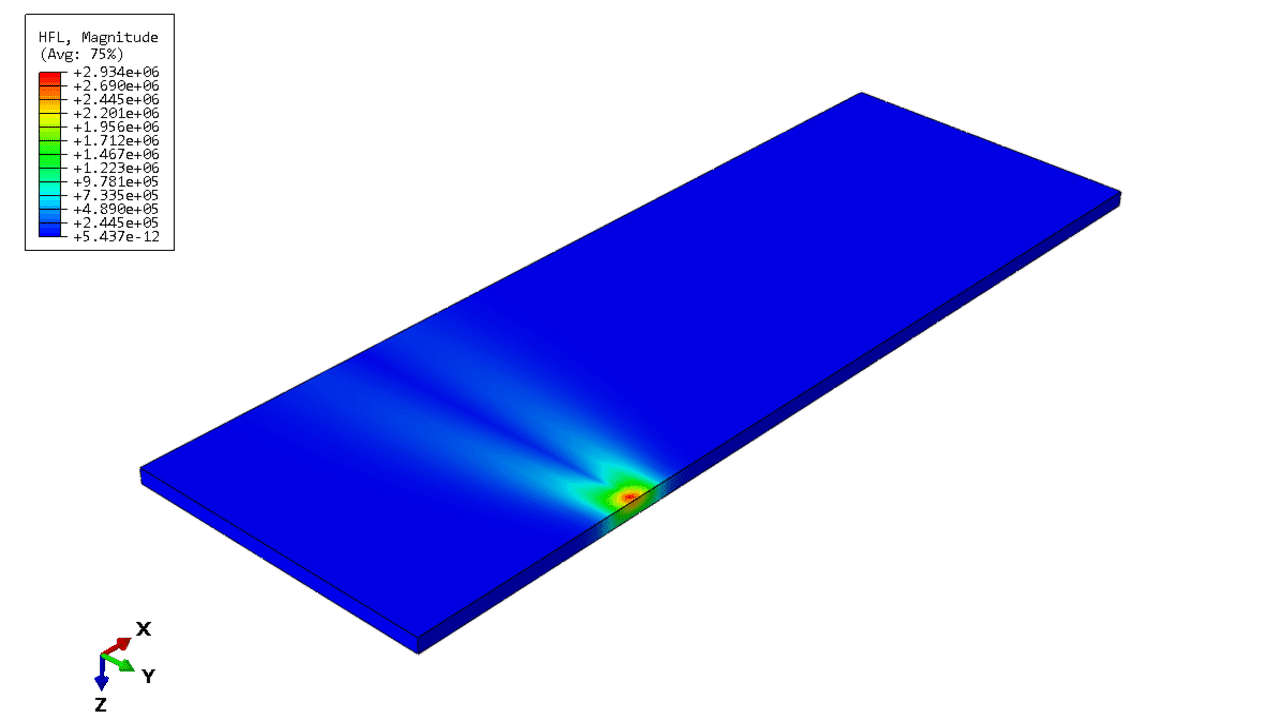
In this video tutorial, we provide a detailed, step-by-step guide on the welding simulation process using the DFLUX subroutine to analyze non-uniform heat distribution. To complete this example, we created a geometric model and defined material properties that vary with temperature. We utilized steel, incorporating characteristics such as elasticity, plasticity, thermal conductivity, thermal expansion, and specific heat, all of which depend on temperature.
Key Topics:
Arc and laser welding put heat into the part in very different ways. Arc welding spreads the heat over a wider zone, while laser welding is much more concentrated and gives a narrower, deeper heat-affected zone. The DFLUX subroutine lets you describe this non-uniform heat flux as a function of position and time, so the same workflow can cover both processes.
The video tutorial explains each step, so you can follow the setup and then change the heat source to match your own case.
Engineers and researchers who want to compare arc and laser welding heat input in Abaqus, and students who are learning how welding simulation is built step by step.
You need Abaqus. DFLUX is a Fortran user subroutine, so Abaqus must be linked to a supported Fortran compiler. Browse more models in the welding simulation category.
If the delivered product does not meet your expectations, you can ask for a refund.
Need more than the files?
There are two ways we can help. Book a one hour online consultation if you want to talk a problem through with a CAE engineer, using the checkbox in the order box. Order a project if you need a full simulation built for you, delivered to an agreed scope, price and deadline under a written contract.
We work on FEA and CFD for engineers, researchers and companies. Order your project, or message us on WhatsApp for a quick reply.
Other packages engineers working on this topic also download.

Need a full custom project? See the options below.

€129,00

€179,00

€149,00

€119,00

€129,00

€149,00
See more
Want to receive push notifications for all major on-site activities?