Abaqus Buckling Analysis of a Steel Braced Frame (Linear + Nonlinear)

€45,00 €78,00
Optional extras

Need a full custom project? See the options below.

€45,00 €78,00
Optional extras

Need a full custom project? See the options below.

15 people watching this product now!

Material Includes

  • 🔹 💻 Abaqus CAE Model File (.cae)
  • Complete Abaqus/CAE model including geometry, material properties, assembly, interactions, steps, loads, boundary conditions, and analysis settings.
  • 🔹 📝 Input File (.inp)
  • Abaqus input file containing the complete finite element model definition, allowing users to review, modify, and run the analysis directly.
  • 🔹 🎥 Step-by-Step Video Tutorial
  • Detailed video guidance explaining the complete modeling procedure, including:
  • Geometry creation and assembly
  • Material definition (elastic-plastic steel)
  • Mesh generation
  • Boundary conditions and loading
  • Linear eigenvalue buckling analysis
  • Extraction and application of initial imperfections
  • Nonlinear buckling analysis setup
  • Result visualization and interpretation
  • 🔹 📊 Analysis Results Files (optional if included)
  • Simulation outputs, including deformed shapes, stress contours, buckling modes, and load–displacement response.

Audience

  • 🔹 🏗️ Structural Engineers
  • Professionals interested in steel structure stability, buckling behavior, and advanced numerical analysis.
  • 🔹 🎓 Civil and Structural Engineering Students
  • Students who want to understand the practical application of finite element methods and structural stability concepts.
  • 🔹 💻 Abaqus Users and FEA Practitioners
  • Engineers and researchers looking to improve their skills in modeling, analysis setup, and interpretation of nonlinear simulations.
  • 🔹 🔬 Researchers in Structural Mechanics
  • Researchers studying buckling phenomena, post-buckling behavior, and numerical prediction of structural performance.
  • 🔹 ⚙️ Design and Analysis Engineers
  • Engineers involved in evaluating steel members, connections, and stability-critical structures.

What You Will Learn?

  • 🔹 🏗️ Finite Element Modeling
  • Learn how to develop a detailed 3D model of a steel structure in Abaqus, including structural members, connections, and loading conditions.
  • 🔹 📐 Linear Buckling Analysis
  • Understand how to perform eigenvalue buckling analysis to extract critical buckling loads and buckling mode shapes.
  • 🔹 ⚠️ Initial Imperfection Modeling
  • Learn how to introduce realistic geometric imperfections using eigenmodes obtained from linear buckling analysis.
  • 🔹 🔄 Nonlinear Buckling Simulation
  • Explore how to perform nonlinear analysis considering large deformation effects, material plasticity, and structural instability.
  • 🔹 📊 Buckling Behavior Interpretation
  • Learn how to evaluate load–displacement curves, stress distribution, and post-buckling response to identify structural performance.
  • 🔹 🔬 Engineering Insights
  • Understand why nonlinear analysis provides a more realistic prediction of the actual buckling capacity compared with idealized linear solutions

About Course

Steel braces do not usually fail by yielding. They buckle. And when a compression member goes unstable, the whole braced frame can lose capacity in seconds. This ready-to-use Abaqus project shows you how to predict that failure properly — using both linear (eigenvalue) buckling analysis and nonlinear buckling analysis with initial imperfections on a full 3D steel braced structure.

You get the complete Abaqus/CAE model, the input file, and a step-by-step video tutorial. Open it, run it, change it, and reuse the workflow on your own structure.

The problem this model solves

A lot of engineers run a linear buckling analysis in Abaqus, read the critical load, and stop there. That number is almost always too high.

Real steel structures are never perfect. They have fabrication tolerances, residual stresses, slightly out-of-straight members, and steel that yields before the theoretical buckling load is ever reached. If you design from the eigenvalue result alone, you overestimate the strength of the structure.

This project walks you through the correct two-stage workflow used in research papers and real design checks:

  1. Run an eigenvalue buckling analysis to get critical loads and mode shapes.
  2. Feed the first buckling mode back into the model as an initial geometric imperfection.
  3. Run a geometrically and materially nonlinear analysis to get the real buckling capacity and the post-buckling response.

About the model

The model is a three-dimensional finite element model of a steel braced structure built in Abaqus. It includes:

  • Steel beams
  • A steel brace under compressive loading
  • A gusset plate connection
  • Splice components
  • An elastic-plastic steel material model (elastic behaviour plus plastic deformation)

Every part of the setup is shown in the video: geometry, assembly, material definition, mesh, interactions, boundary conditions, steps, and results.

Linear buckling analysis (eigenvalue buckling)

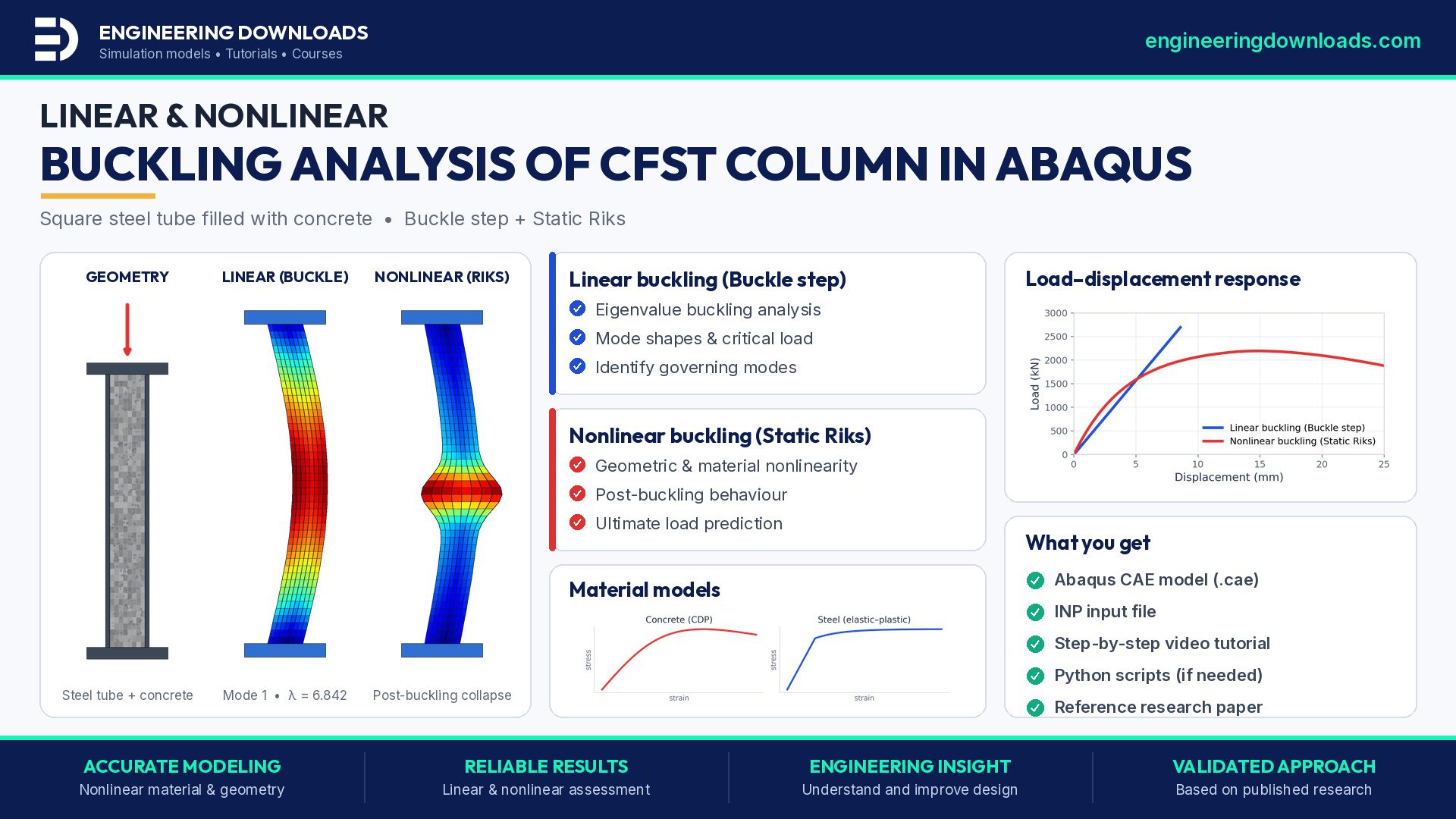
Linear buckling analysis, also called eigenvalue buckling analysis, is the fast way to estimate the theoretical critical buckling load of a structure.

It assumes that:

  • The material stays fully elastic
  • Deformations before buckling are small
  • The structure is geometrically perfect, with no initial imperfections
  • Instability happens suddenly at the critical load

Why it is still useful:

  • It solves very fast
  • It identifies the critical instability modes
  • It gives you a theoretical upper-bound buckling load
  • It produces the realistic imperfection shapes you need for the nonlinear step

Its weakness is simple: it overestimates real buckling strength, because real structures have imperfections and material nonlinearity.

Nonlinear buckling analysis

Real steel frames are not perfectly straight elastic systems. Manufacturing tolerances, residual stresses, connection imperfections, and yielding all change the buckling behaviour. That is why the second stage matters.

1. Geometric nonlinearity

Large deformation effects are included, because the structure moves significantly while it buckles. In Abaqus this is activated with NLGEOM = ON.

2. Material nonlinearity

The elastic-plastic material model lets the steel behave elastically at first, reach yield, develop plastic deformation, and keep carrying load past the elastic limit.

3. Initial geometric imperfection

The first buckling mode from the eigenvalue analysis is imported into the nonlinear model as an initial imperfection. This represents real construction tolerances and stops the model from behaving like a mathematically perfect structure.

Linear vs nonlinear buckling analysis

Analysis typeWhat it gives youLimitation
Linear (eigenvalue) bucklingTheoretical critical load and buckling mode shapesOverestimates real strength
Nonlinear bucklingRealistic failure load and post-buckling behaviourHigher computational cost

You need both. Linear analysis tells you how the structure will fail. Nonlinear analysis tells you when.

Results you get from this project

  • Buckling mode shapes and load multipliers from the eigenvalue step
  • A complete load–displacement curve covering the pre-buckling stage, the instability point, and the post-buckling response
  • Stress contours and plastic zones, which develop mainly around the brace-to-gusset plate region and the splice components — these govern the ultimate strength
  • A direct comparison between the idealised linear prediction and the lower, more realistic nonlinear capacity

The nonlinear result gives a lower and far more reliable buckling capacity than the linear one. Seeing that gap on your own screen is the fastest way to understand why imperfections matter.

What is included

  • Abaqus/CAE model file (.cae) — full model with geometry, materials, assembly, interactions, steps, loads, boundary conditions, and analysis settings
  • Abaqus input file (.inp) — review it, edit it, or run it directly
  • Step-by-step video tutorial covering geometry and assembly, elastic-plastic steel definition, meshing, boundary conditions and loading, the eigenvalue buckling step, extracting and applying imperfections, the nonlinear buckling setup, and result interpretation
  • Analysis results — deformed shapes, stress contours, buckling modes, and the load–displacement response

Who this is for

  • Structural engineers working on steel stability, braced frames, and compression members
  • Civil and structural engineering students who need a working example of stability analysis, not just theory
  • Abaqus users and FEA practitioners who want a clean, correct buckling workflow to reuse
  • Researchers studying buckling, post-buckling, and numerical prediction of structural capacity
  • Design and analysis engineers checking steel members, connections, and stability-critical structures

Software and level

Built in Abaqus/CAE. Suitable for all levels — the video explains each step, so you do not need prior buckling experience. Video length is about 38 minutes.

Frequently asked questions

Do I need to run the linear analysis before the nonlinear one?

Yes. The nonlinear model needs an imperfection shape, and the cleanest source of that shape is the first mode from the eigenvalue buckling analysis. The tutorial shows exactly how to export and apply it.

Which Abaqus version does this work with?

The model opens in standard recent Abaqus versions. The .inp file also lets you run the analysis without depending on a specific CAE release.

Can I use this workflow on my own structure?

Yes — that is the point. The two-stage buckling procedure is the same for columns, frames, shells, and braced systems. Swap the geometry and material, keep the workflow.

Why is the nonlinear buckling load lower than the linear one?

Because of initial imperfections, large deformation effects, and steel yielding. All three reduce capacity below the theoretical eigenvalue prediction. This model lets you see the difference in numbers.

Related Abaqus buckling and steel structure models

Need this analysis run on your own geometry? We also offer custom FEA and CFD project support and HPC rental from EUR 5/week if your nonlinear model needs more cores.

Not satisfied with the file? We refund it. No arguments.

Need more than the files?

There are two ways we can help. Book a one hour online consultation if you want to talk a problem through with a CAE engineer, using the checkbox in the order box. Order a project if you need a full simulation built for you, delivered to an agreed scope, price and deadline under a written contract.

We work on FEA and CFD for engineers, researchers and companies. Order your project, or message us on WhatsApp for a quick reply.

Course Content

From Eigenvalue Buckling to Realistic Failure Prediction: Nonlinear Buckling Analysis of a Steel Structure
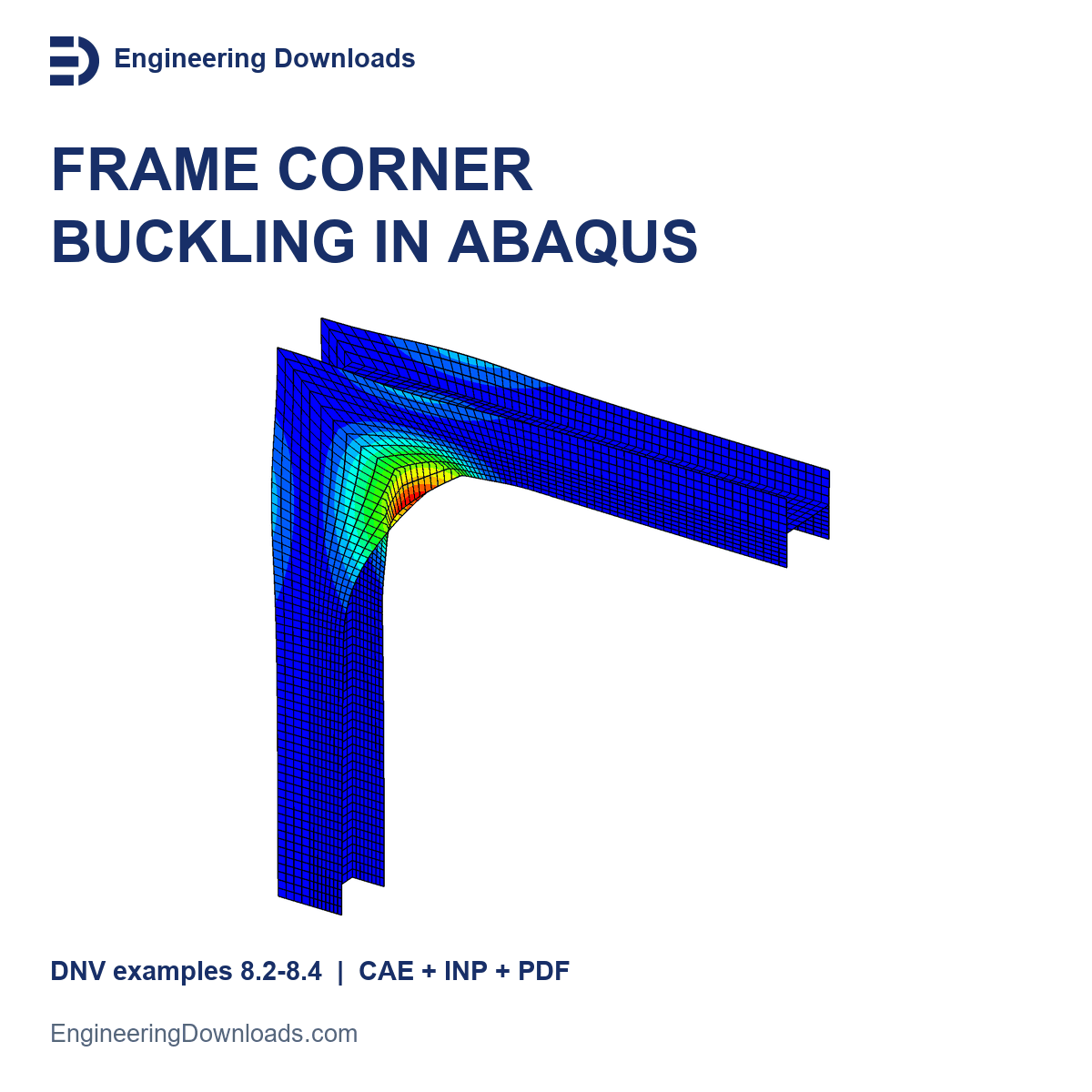
In this study, a three-dimensional finite element model of a steel braced structure was developed in Abaqus to investigate its buckling behavior. Linear eigenvalue buckling analysis was first performed to determine the critical buckling modes and load factors. The obtained buckling mode was then introduced as an initial imperfection into a nonlinear elastic-plastic model to evaluate the realistic buckling capacity and post-buckling response of the structure.

  • Abaqus Files
  • Video Tutorial

Reviews

No Review Yet
No Review Yet
€45,00 €78,00
Optional extras

Need a full custom project? See the options below.

15 people watching this product now!

Material Includes

  • 🔹 💻 Abaqus CAE Model File (.cae)
  • Complete Abaqus/CAE model including geometry, material properties, assembly, interactions, steps, loads, boundary conditions, and analysis settings.
  • 🔹 📝 Input File (.inp)
  • Abaqus input file containing the complete finite element model definition, allowing users to review, modify, and run the analysis directly.
  • 🔹 🎥 Step-by-Step Video Tutorial
  • Detailed video guidance explaining the complete modeling procedure, including:
  • Geometry creation and assembly
  • Material definition (elastic-plastic steel)
  • Mesh generation
  • Boundary conditions and loading
  • Linear eigenvalue buckling analysis
  • Extraction and application of initial imperfections
  • Nonlinear buckling analysis setup
  • Result visualization and interpretation
  • 🔹 📊 Analysis Results Files (optional if included)
  • Simulation outputs, including deformed shapes, stress contours, buckling modes, and load–displacement response.

Audience

  • 🔹 🏗️ Structural Engineers
  • Professionals interested in steel structure stability, buckling behavior, and advanced numerical analysis.
  • 🔹 🎓 Civil and Structural Engineering Students
  • Students who want to understand the practical application of finite element methods and structural stability concepts.
  • 🔹 💻 Abaqus Users and FEA Practitioners
  • Engineers and researchers looking to improve their skills in modeling, analysis setup, and interpretation of nonlinear simulations.
  • 🔹 🔬 Researchers in Structural Mechanics
  • Researchers studying buckling phenomena, post-buckling behavior, and numerical prediction of structural performance.
  • 🔹 ⚙️ Design and Analysis Engineers
  • Engineers involved in evaluating steel members, connections, and stability-critical structures.

Related  Products

See more

Want to receive push notifications for all major on-site activities?

✕