Need a full custom project? See the options below.
Need a full custom project? See the options below.
LPBF (also called Selective Laser Melting) is difficult to model correctly. The melt pool is tiny, the heating is fast, and the powder changes into solid as it melts. This package shows how to do it properly in Abaqus, from a single track up to a full part.
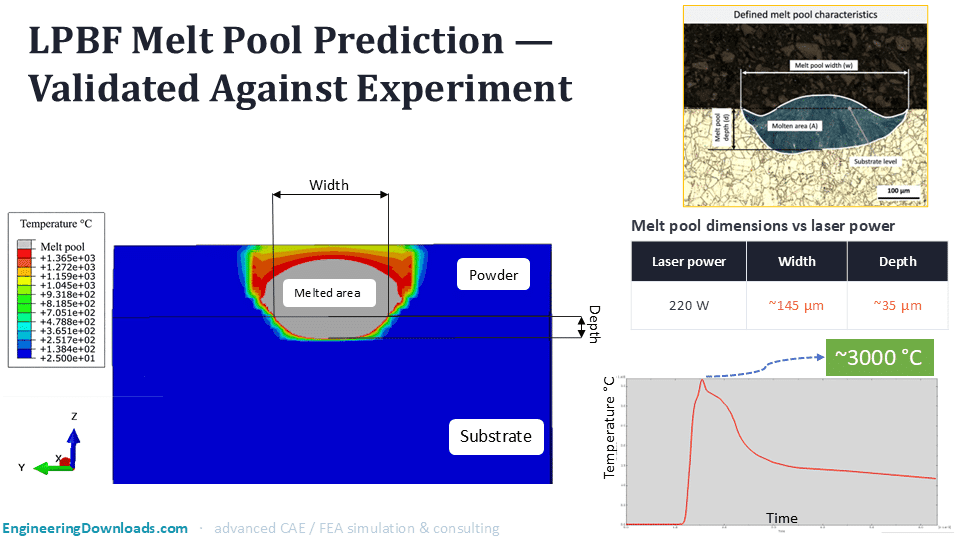
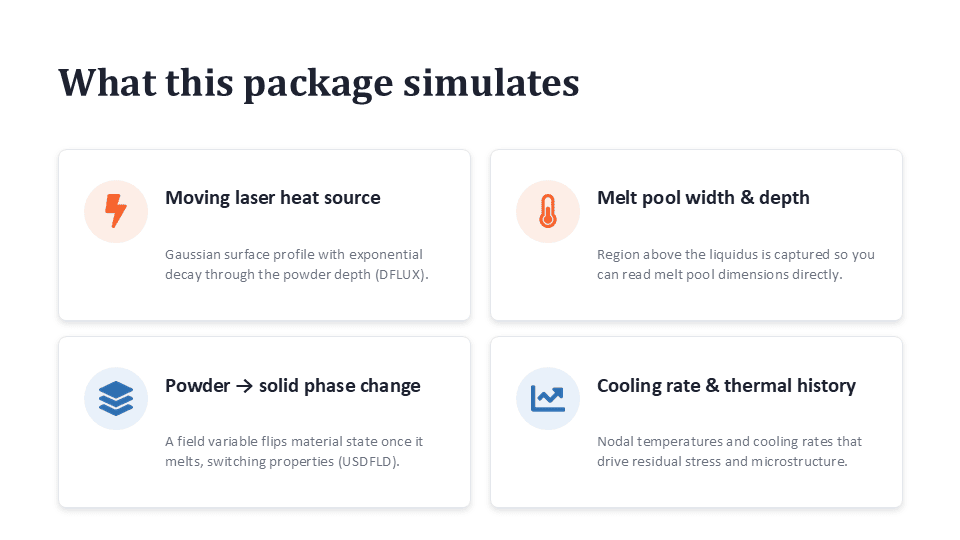
This model simulates one laser track melting a powder layer on a substrate, at 220 W. It uses a DFLUX subroutine for the laser heat source: a Gaussian profile on the surface that decays through the powder depth. A USDFLD subroutine handles the powder-to-solid phase change.
The melt pool geometry is read from the temperature field (the region above the liquidus), the same way it is measured in the reference study. The model reproduces the validated melt pool result and peak temperature reported in that published work, so you can trust the physics behind it.
This is a clean, focused single-track model — one laser power, done correctly.
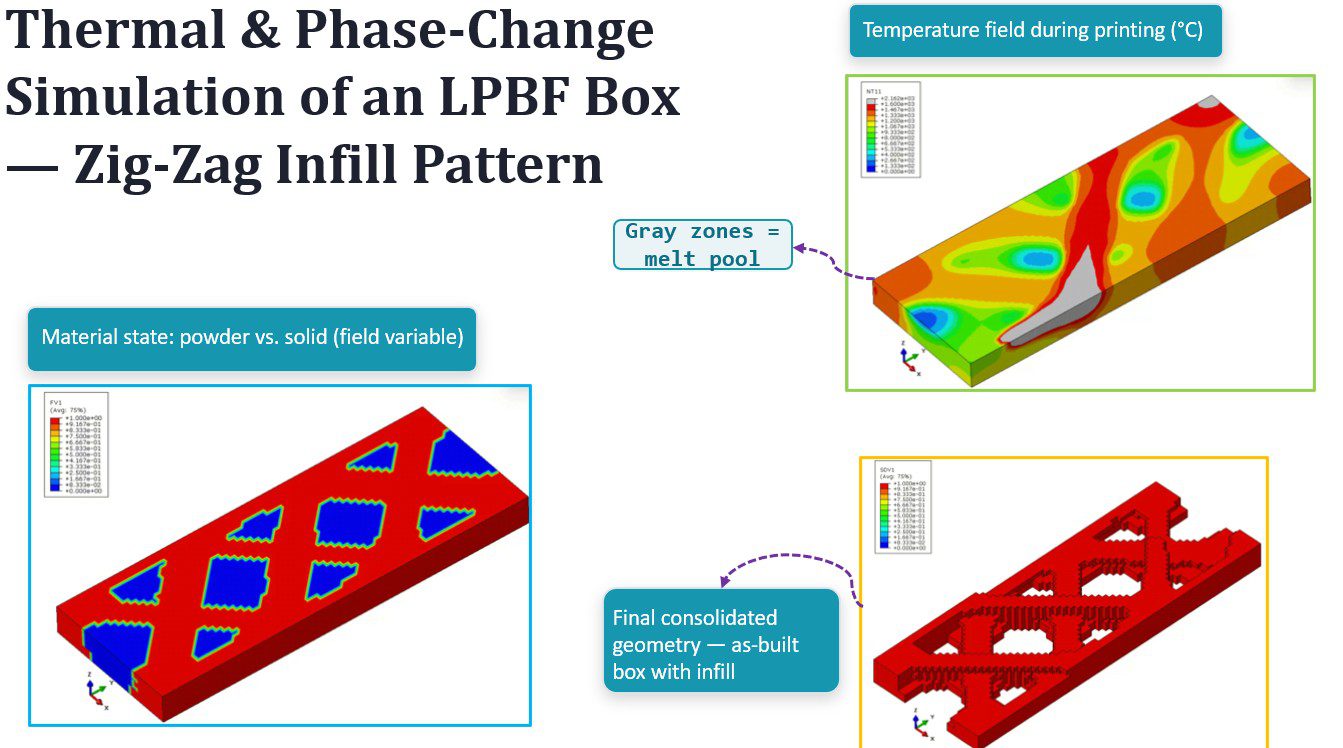
The second model applies LPBF to a real geometry. This is a brick-shaped part printed layer by layer with a complex zigzag infill toolpath, built with the Abaqus AM Modeler plugin (no coding needed). It shows the full print: the thermal field and the powder → liquid → solid transformation across the whole part.
Together, the two models give you both sides of LPBF simulation: the detailed melt-track physics, and the full-part print.
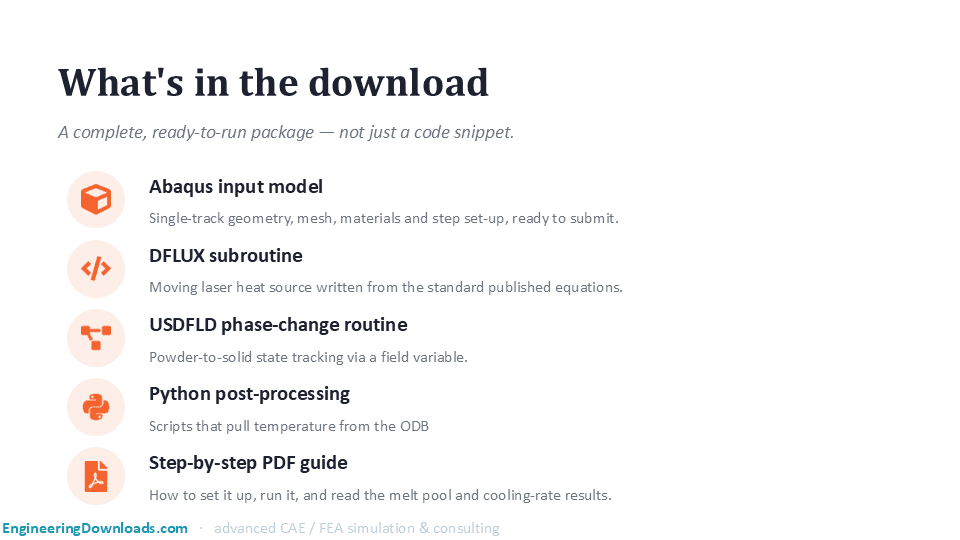
DFLUX volumetric heat source for realistic melt pool shape.USDFLD subroutine.Abaqus/CAE and Abaqus/Standard with DFLUX and USDFLD Fortran subroutines for the single-track model, and the Abaqus AM Modeler plugin for the 3D printed box. The subroutine model needs Abaqus linked with a Fortran compiler.
It reproduces the melt pool geometry and peak temperature reported in the published LPBF study by Tangestani et al. The experimental validation belongs to that published work.
From the temperature field: the melt pool is the region above the liquidus temperature, the same way it is measured in the reference study.
The single-track model is set up and validated at 220 W. You can change the heat source inputs in the DFLUX subroutine, but results at other settings are not validated in this package.
No. The box is built with the Abaqus AM Modeler plugin, so no coding is needed. The single-track model uses the DFLUX and USDFLD subroutines, which are included.
Abaqus linked with a compatible Fortran compiler. If you have trouble setting it up, contact us and we will help.
🔹 Interested in LPBF, SLM, or additive manufacturing simulation in Abaqus? 📩 Contact Saman Hosseini at info@engineeringdownloads.com, or visit EngineeringDownloads.com for more details.
Need more than the files?
There are two ways we can help. Book a one hour online consultation if you want to talk a problem through with a CAE engineer, using the checkbox in the order box. Order a project if you need a full simulation built for you, delivered to an agreed scope, price and deadline under a written contract.
We work on FEA and CFD for engineers, researchers and companies. Order your project, or message us on WhatsApp for a quick reply.
Other packages engineers working on this topic also download.
 Nozzle-to-Vessel Weld in Abaqus: Martensitic Phase Change, Residual Stress and User Subroutines€209,00
 LPBF 316L Residual Stress and Cantilever Distortion in Abaqus: Sequentially Coupled Thermal-Stress Model with DFLUX and USDFLD Subroutines€159,00
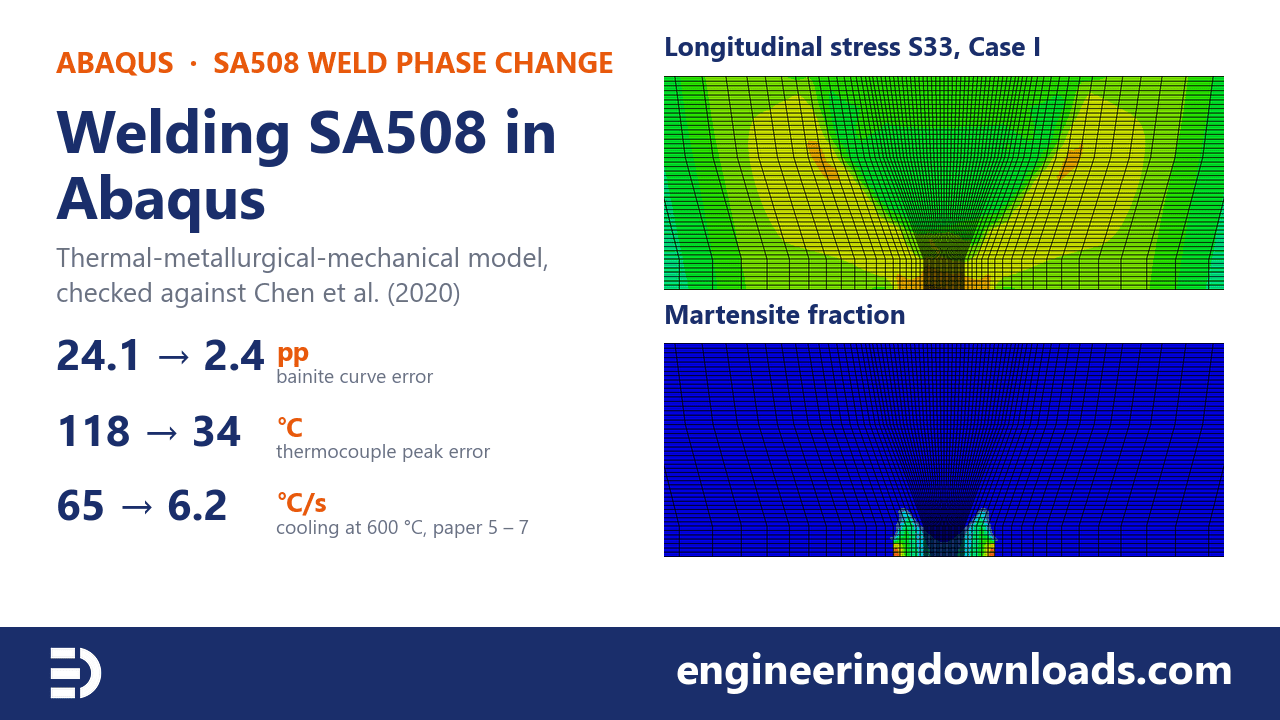 SA508 Weld Phase Transformation in Abaqus: Bainite, Martensite and Residual Stress Model Checked Against a Published Paper€299,00
 SA508 Weld Phase Transformation in Ansys MAPDL: 2D and 3D Multi-Pass Residual Stress with Bainite, Martensite and TRIP€299,00
 SA508 3D Weld Phase Transformation in Abaqus: Moving Heat Source, UMAT and Residual Stress Checked Against a Published Paper€299,00
 An Example for Element Birth Technique with Python
 Optimized welding process of residual stress control of P91 steel considering martensitic transformation
 SMAW Multi-Pass: Thermal & Disp; Residual Stress FEA + Python

Need a full custom project? See the options below.

€129,00

€179,00

€149,00

€119,00

€129,00

€149,00
See more
Want to receive push notifications for all major on-site activities?



