Need a full custom project? See the options below.
Need a full custom project? See the options below.
Claude and ChatGPT can write an ANSYS Mechanical script in seconds. They can also write one that runs without a single error and answers the wrong question: the default steel left in place, a load in the wrong unit, a support that never reached the solver. The problem is not the script. It is knowing the result is right before you trust it.
This course teaches a structured way to use AI with ANSYS Mechanical and MAPDL, and it includes the ED Ansys MCP, the tool that makes the structure automatic. The MCP is a local server with 18 tools. Your AI client calls them to validate a script, build the model headless, check the mesh, run a datacheck, solve on your own ANSYS installation, extract the results and compare them with expected values you wrote down before the solve.
The course is a written guide with worked cases rather than a video series. You get the working package, a 17-page PDF guide, and three cases that each end in a number you can verify by hand.
Install the MCP, register it with Claude Code, Claude Desktop or Codex, check the licence server and the core policy, and give the AI the context it needs: release, units, rules and the router note that points it to the right procedure.
Claude connects to the MCP directly. ChatGPT is used in the chat window for drafting, explaining errors and reviewing scripts, and through Codex when you want tool calls. The course shows where each fits and why the method matters more than the model.
Mechanical runs an embedded IronPython 2.7, which is where most AI-written scripts break. Learn the rules to give the AI, how to check an unfamiliar API call with a probe before it goes into a script, and why Mechanical hides its own errors.
Write and review a complete MAPDL deck: units in tonne, mm and second, named components, supports and loads, and what the gate checks before the first solve.
Validate, build, datacheck, solve, diagnose, extract, check and report. See why a solve is refused when the case files changed since the build, and why a solve that finishes with flags counts as a failure.
Write the expected answer first, from theory, and keep it independent of the script. The static cantilever, the modal cantilever and the steady-state thermal bar each come with their hand calculation and the numbers the model returned.
A table of the problems that complete without an error: a swallowed exception, an Error message that blocks the solve, a milliwatt unit trap, stress averaged on a third of the nodes, a check that can never fail.
Use headless SpaceClaim to remove small rounds, holes and bosses without touching loaded or supported features, split bodies with planes, and fail the build on a bad mesh.
A ten-point checklist and a library of copy-and-paste prompts for starting a session, writing the checks first, building, diagnosing and writing an honest report.
The ED Ansys MCP 0.3.0 as a ready-to-install folder with its 18 tools, its knowledge notes, offline tests and the three verified cases. The PDF guide AI for ANSYS. Prompt templates and a review checklist. Everything downloads from the lesson page after purchase.
The cases were run on ANSYS 2024 R2 on Windows 11. The static cantilever returned a tip deflection of 0.20006 mm against 0.2 mm from beam theory and a reaction of 99.999998 N against 100 N. The modal cantilever returned 813.02 Hz against 815.3 Hz. The thermal bar returned heat flow of 4.84 W against Fourier’s law. The package is a draft: other ANSYS releases, transient and nonlinear analysis, contact, shells and beams, and fluids are not verified, and the course says so.
ANSYS and AI accounts are separate. You need a licensed ANSYS 2024 R2, Python 3.10 or newer, and access to Claude or ChatGPT.
AI can support engineering work, but the engineer remains responsible for verification and validation. If you want help applying this to your own model, you can book a one-hour online consultation or order a full project under a written contract.
Need more than the files?
There are two ways we can help. Book a one hour online consultation if you want to talk a problem through with a CAE engineer, using the checkbox in the order box. Order a project if you need a full simulation built for you, delivered to an agreed scope, price and deadline under a written contract.
We work on FEA and CFD for engineers, researchers and companies. Order your project, or message us on WhatsApp for a quick reply.
Other packages engineers working on this topic also download.
 AI for Abaqus: ChatGPT & Claude for Python Scripting, Fortran Subroutines, and FEA Validation
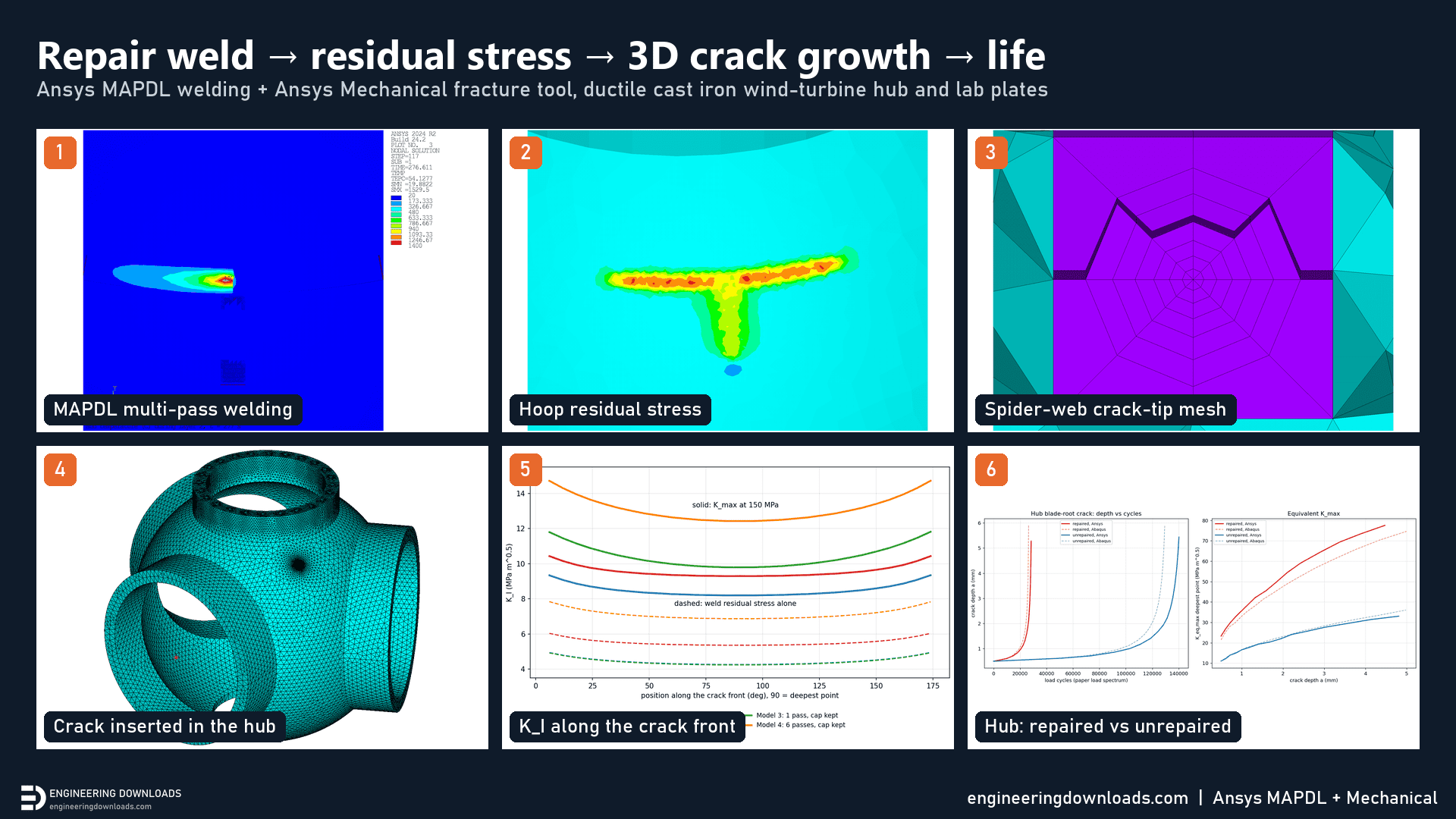 Repair Welding Residual Stress and 3D Fatigue Crack Growth in Ansys: Ductile Cast Iron Wind-Turbine Hub (FFS Level 3)€299,00
 FEA of Connecting Rod using ANSYS
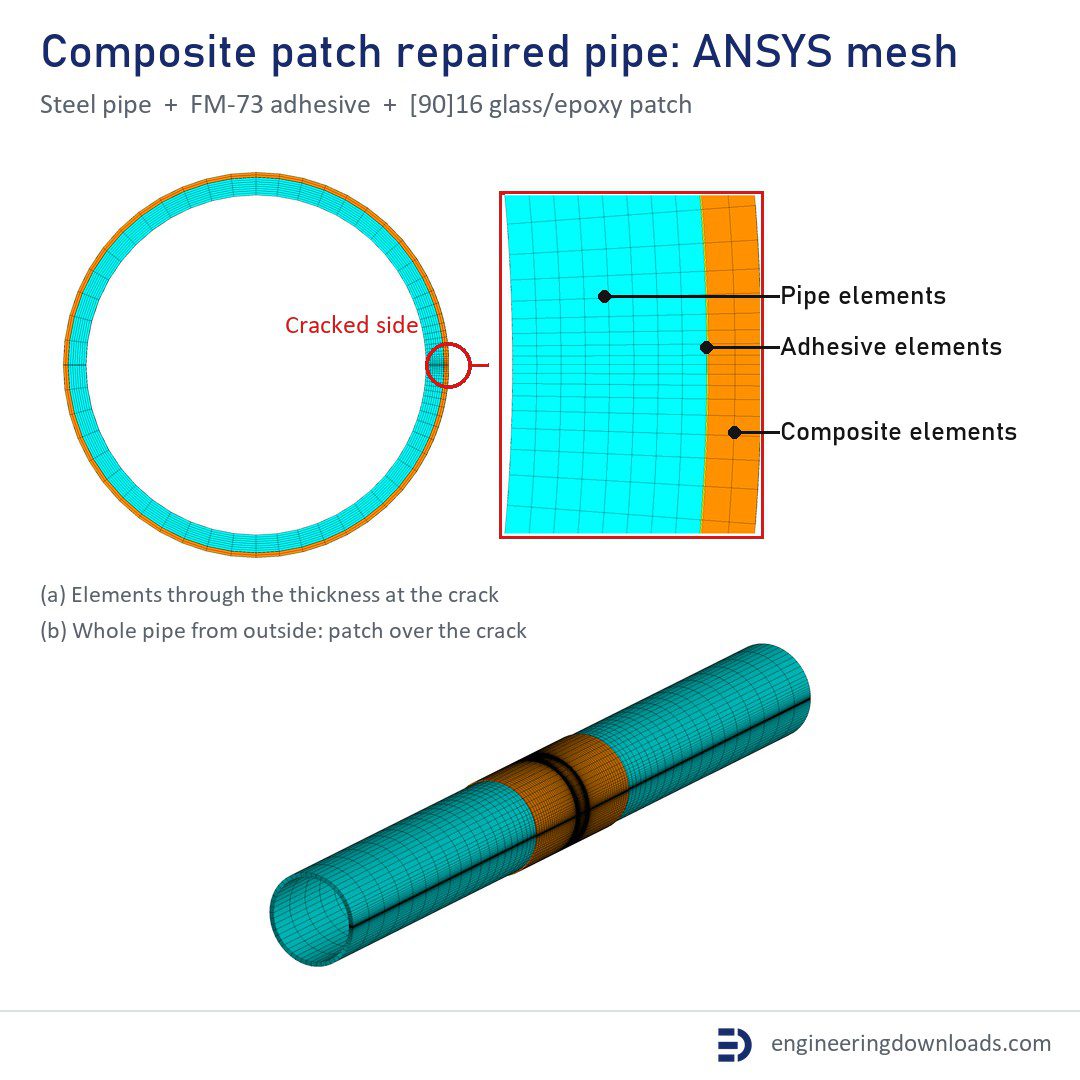 Composite Patch Repair of a Cracked Pipe in ANSYS: Fatigue Crack Growth under Cyclic Pressure
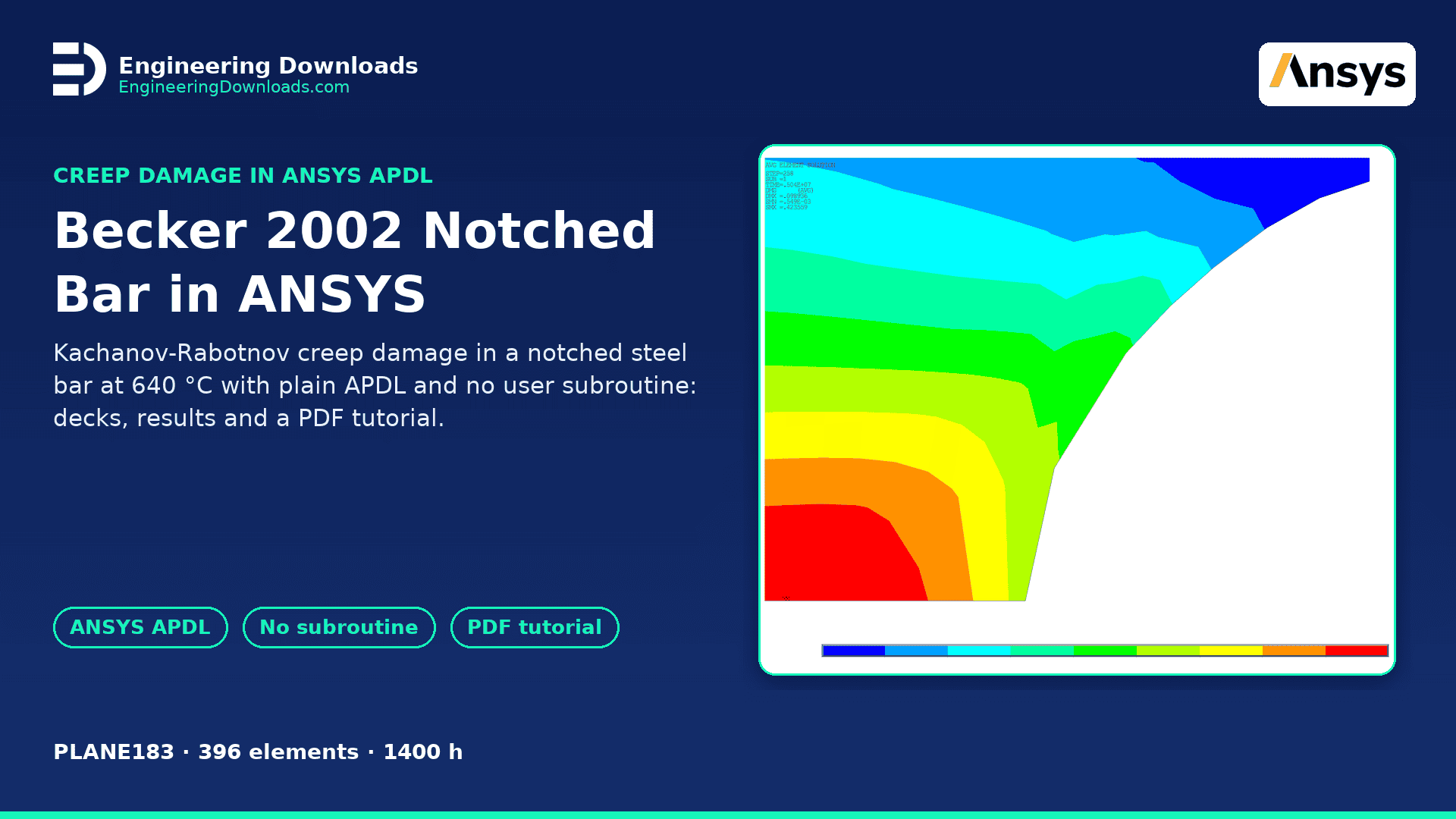 Creep Damage Notched Bar in ANSYS APDL: Becker 2002 Benchmark with No User Subroutine, Decks and Paper Comparison€49,00
 Tank Wind Buckling in ANSYS: EN 1993-1-6 MNA-LBA Model of a Cylindrical Oil Tank€129,00
 Creep Damage of a Welded Steam Pipe Branch in ANSYS APDL: HAZ Failure, All-Hex Mesh and Paper Comparison€149,00
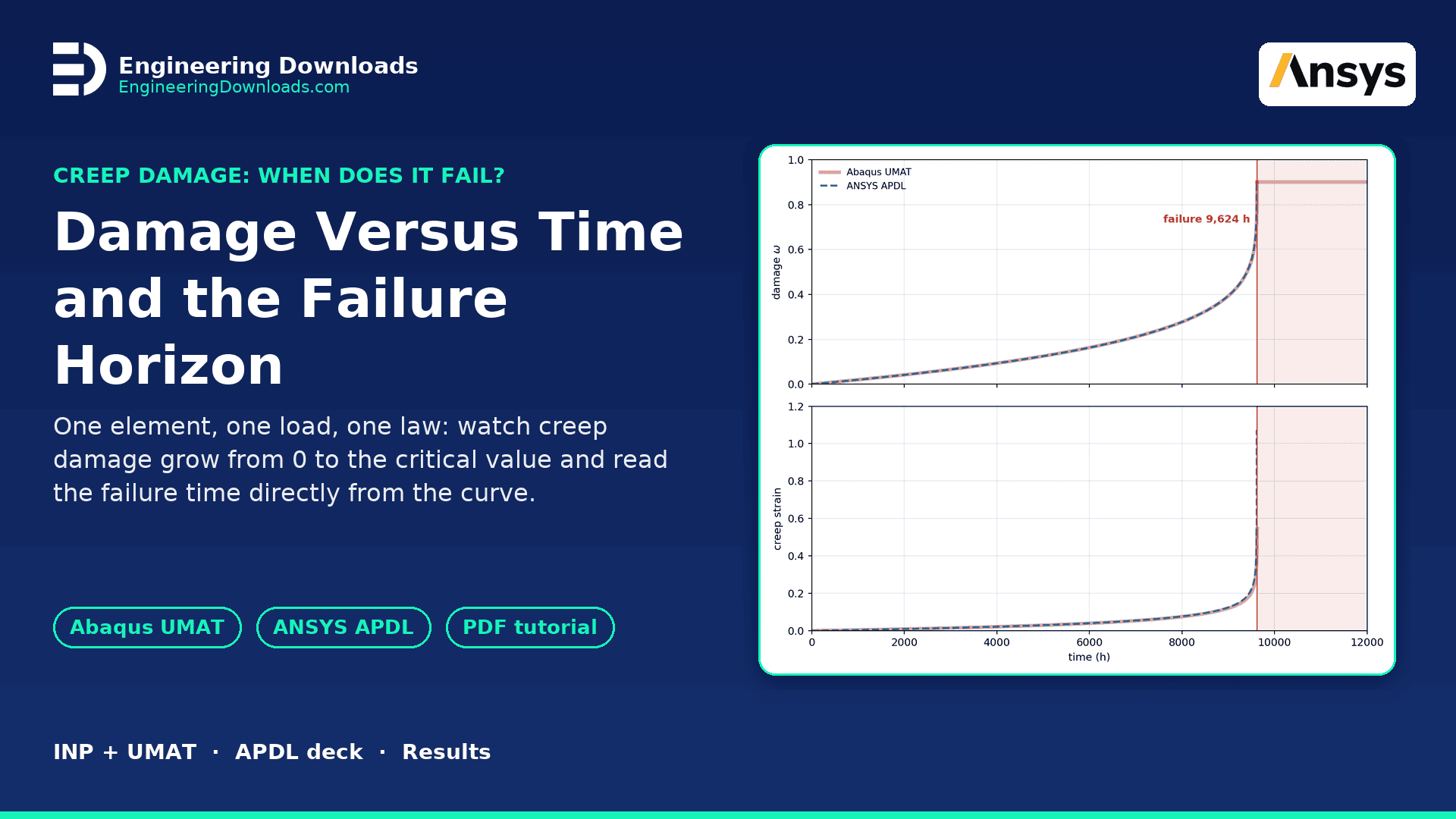 Creep Damage Versus Time in ANSYS APDL: Failure Horizon of a Single Element, No User Subroutine€49,00

Need a full custom project? See the options below.

€129,00

€179,00

€149,00

€119,00

€129,00

€149,00
See more
Want to receive push notifications for all major on-site activities?



