Need a full custom project? See the options below.
Need a full custom project? See the options below.
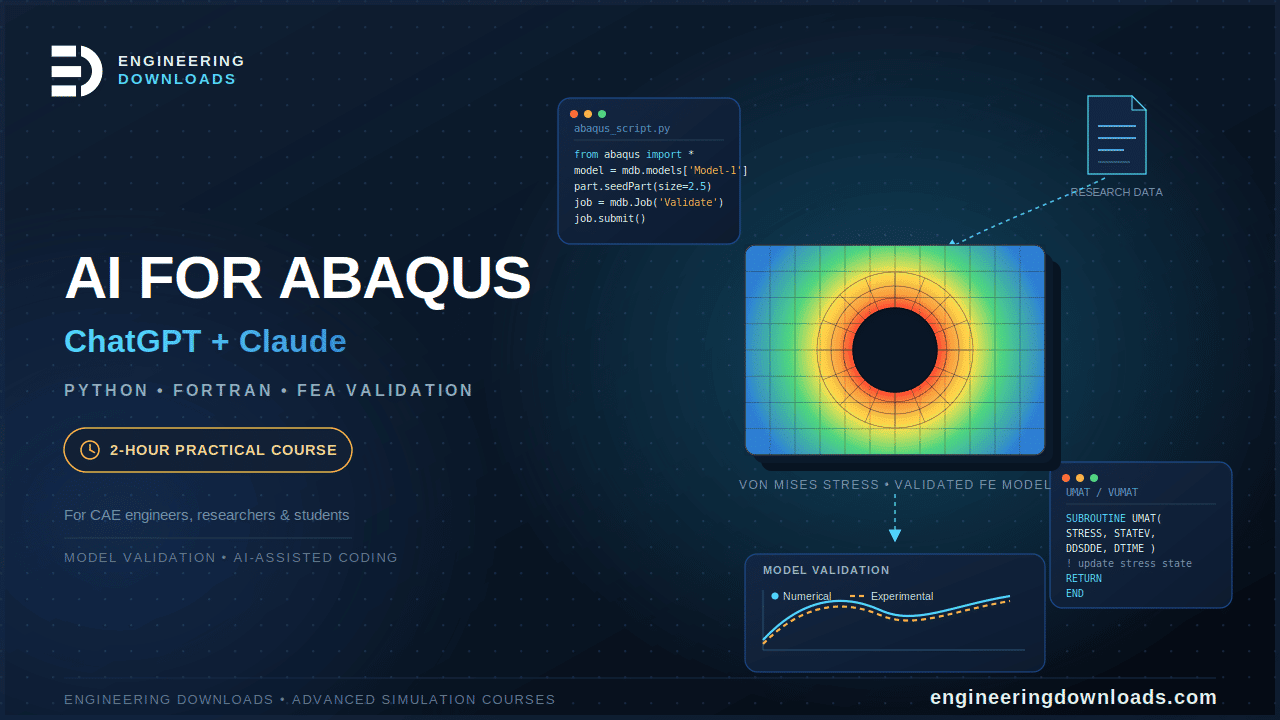
ChatGPT and Claude can help Abaqus users write scripts, organize subroutine logic, understand error messages, and review simulation workflows. However, a general prompt can also produce incorrect commands, unsupported assumptions, inconsistent units, or code that does not work with the intended Abaqus version.
This approximately two-hour course presents a structured way to use AI in Abaqus-related work. It covers how to provide the right context, request useful outputs, review generated code, and correct problems before spending time on a full simulation.
The course covers two main technical areas: Abaqus Python scripting and Fortran user-subroutines. It also introduces a practical workflow for using AI when reproducing and validating FEA studies from numerical and experimental research papers.
Both ChatGPT and Claude are discussed. The objective is not to depend on one particular AI tool, but to understand how to prepare instructions, references, examples, and verification checks that produce more useful engineering outputs.
Learn how to provide ChatGPT or Claude with relevant information such as model objectives, units, Abaqus conventions, example scripts, material equations, reference documents, and required output formats.
Use AI to support the preparation and review of Python scripts for Abaqus tasks such as model setup, parameter changes, repetitive operations, job preparation, and result extraction.
The course also explains how to divide a large scripting task into smaller sections that are easier to generate, test, and correct.
Learn how AI can help organize constitutive equations, variables, state updates, and calculation steps before they are converted into Fortran code.
The course discusses a practical development and debugging workflow for Abaqus user-subroutines, including applications such as UMAT and VUMAT. It does not present AI-generated code as automatically correct; every subroutine must still be reviewed, compiled, tested, and verified.
Use ChatGPT and Claude to interpret error messages, inspect code structure, identify possible causes, and suggest focused corrections.
You will also learn why complete model information, software versions, units, variable definitions, and expected results should be provided when requesting debugging assistance.
Learn how to use AI to organize information collected from a numerical or experimental paper, including:
The course shows how to build a validation checklist and compare Abaqus results with published numerical or experimental data.
Learn to check generated scripts and recommendations for possible problems such as incorrect Abaqus commands, inconsistent units, missing variables, unsupported assumptions, unsuitable boundary conditions, and differences between Abaqus versions.
The main principle of the course is simple: AI can support engineering work, but the engineer remains responsible for verification and validation.
Need more than the files?
There are two ways we can help. Book a one hour online consultation if you want to talk a problem through with a CAE engineer, using the checkbox in the order box. Order a project if you need a full simulation built for you, delivered to an agreed scope, price and deadline under a written contract.
We work on FEA and CFD for engineers, researchers and companies. Order your project, or message us on WhatsApp for a quick reply.
Other packages engineers working on this topic also download.
 AI for ANSYS: Claude & ChatGPT with an MCP for Mechanical Python and APDL€99,00
 2D Spall Fracture in long rod Simulation Package for ABAQUS — Petrov-Morozov VUMAT for PMMA
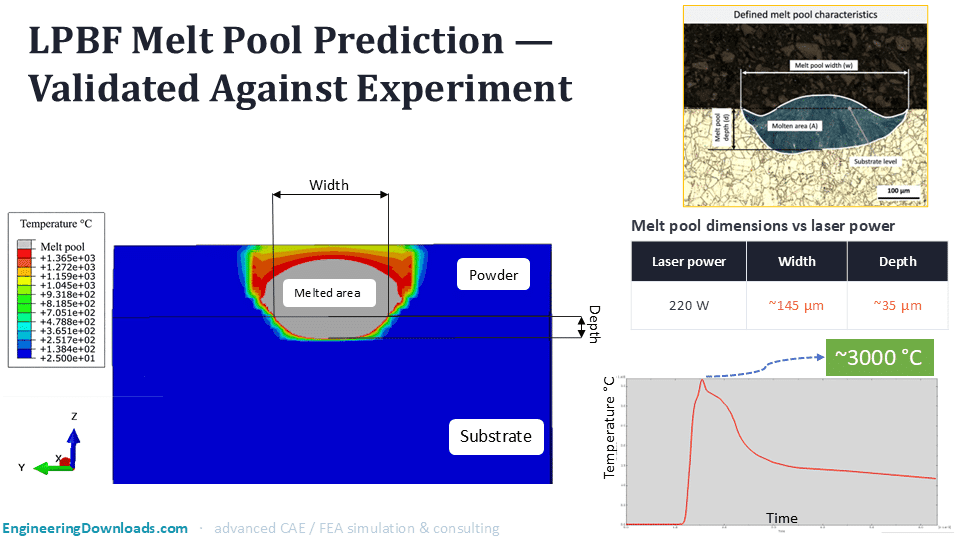 LPBF Additive Manufacturing Simulation in Abaqus: Validated Single-Track Melt Pool + 3D Printed Box with Zigzag Infill
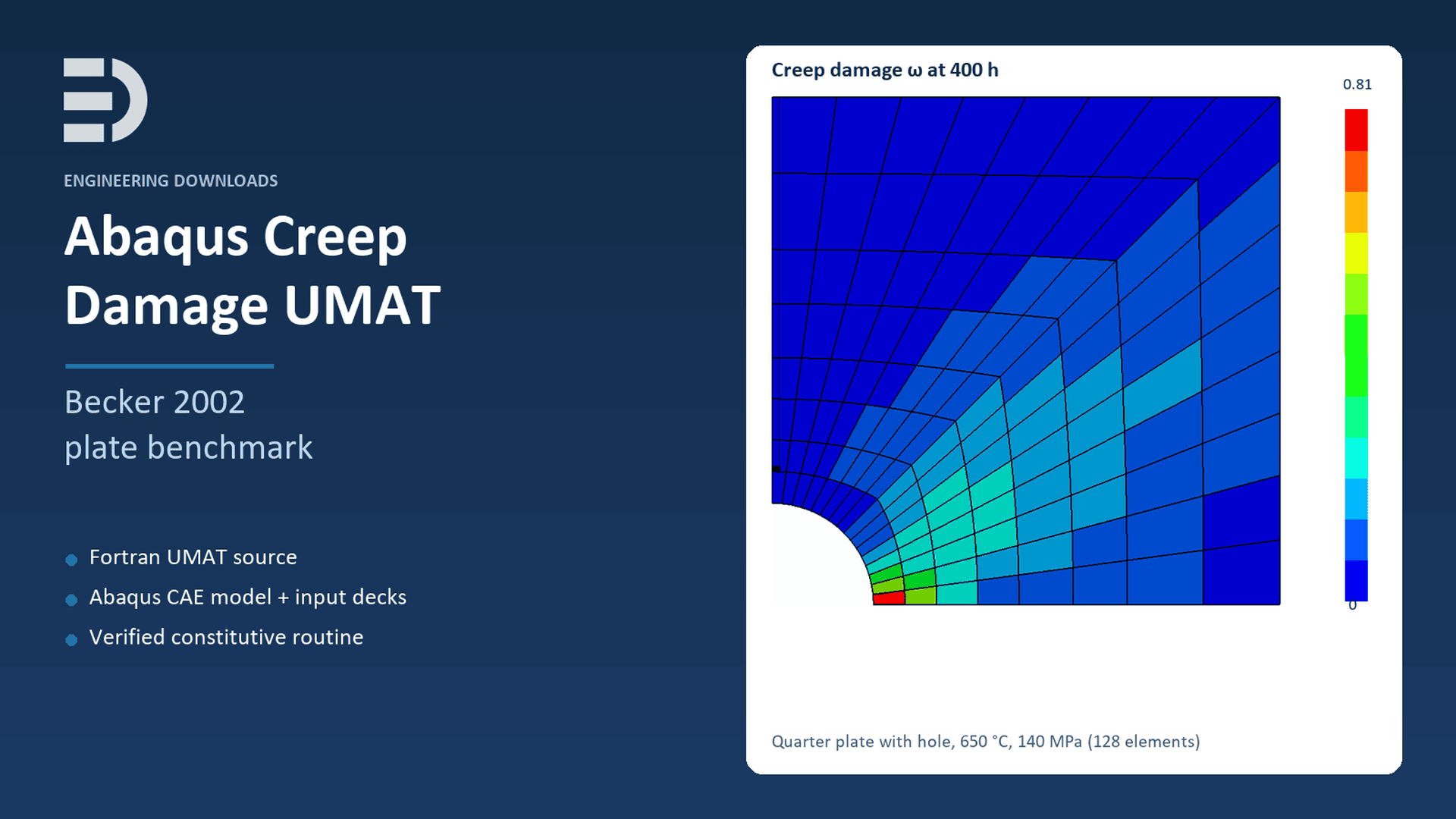 Creep Continuum Damage UMAT in Abaqus: Becker 2002 Perforated Plate Benchmark€49,00
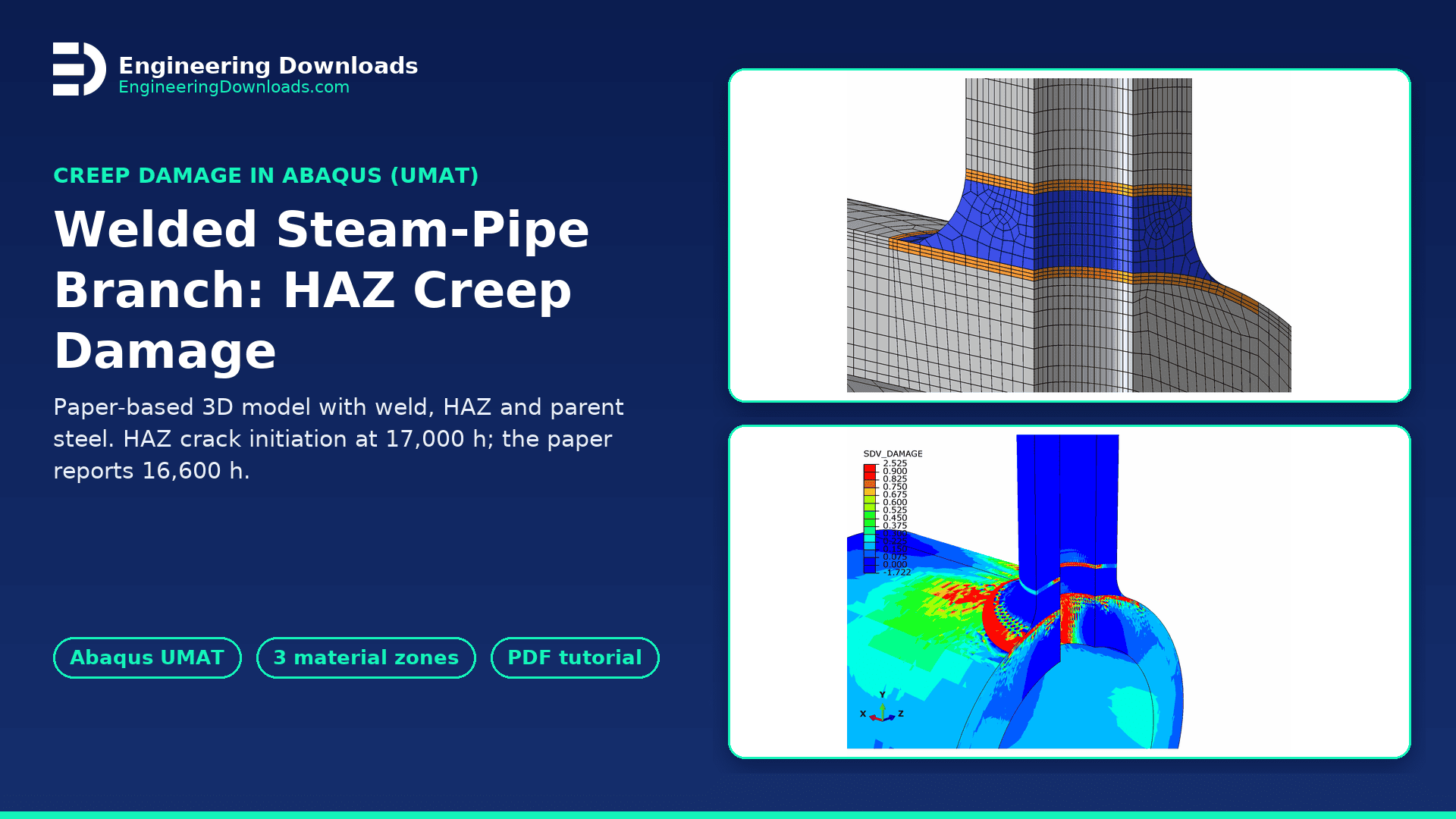 Creep Damage Analysis of a Welded Steam Pipe Branch in Abaqus: UMAT, HAZ Hex Mesh and Paper Comparison€149,00
 LPBF 316L Residual Stress and Cantilever Distortion in Abaqus: Sequentially Coupled Thermal-Stress Model with DFLUX and USDFLD Subroutines€159,00
 A simple example for UMAT subroutine in Abaqus
 Anisotropic material in UMAT code for Abaqus

Need a full custom project? See the options below.

€129,00

€179,00

€149,00

€119,00

€129,00

€149,00
See more
Want to receive push notifications for all major on-site activities?



