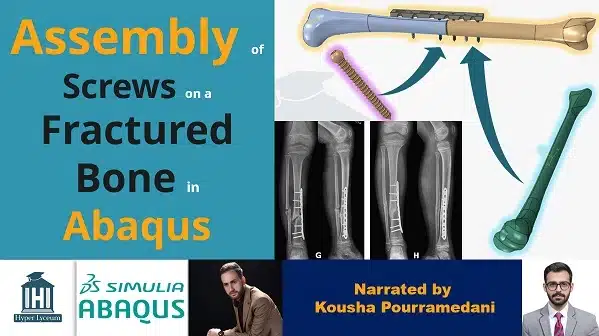
Need a full custom project? See the options below.
Need a full custom project? See the options below.
In Abacus software, when your finite element model consists of several parts or you need to create several components, you need to use the Abaqus assembly module to put these parts together. The tools of this module are very similar to the tools of CAD software assembly environments such as CATIA and SolidWorks. In fact, after applying the defined loads or initial conditions, the parts move and change according to the position that you have precisely specified in the assembly module. Using assembly module tools does not require academic knowledge and study and is merely a technical and experimental matter. In this video, some commonly used assembly module commands are explained in the form of a biomechanical example.
In this tutorial, we use tibia bone and create the cortical and spongy parts. To do that we use the merge/cut option in Abaqus. This option enables us to place one component inside the other one which is very common in biomechanical simulation. Next, we create a gap on the bone to simulate the fracture. Then we assemble the plate and screw on the fractured bone. To place the screws we again use the merge/cut option. Finally, we assemble the tibia fractured bone model with implants and orthopedic screws. All of the parts are modelled using CAD software and imported to Abaqus. Then, it is ready for analysis in Abaqus software.
This video is less than 10 minutes and helps you learn how to use Abaqus for this purpose. In this product, you can find the recorded video.
Need more than the files?
There are two ways we can help. Book a one hour online consultation if you want to talk a problem through with a CAE engineer, using the checkbox in the order box. Order a project if you need a full simulation built for you, delivered to an agreed scope, price and deadline under a written contract.
We work on FEA and CFD for engineers, researchers and companies. Order your project, or message us on WhatsApp for a quick reply.
Other packages engineers working on this topic also download.
 Stamped-End Tube Space Truss Node in Ansys: Shell-Beam Model of the Central Joint (Double-Layer Grid)€129,00
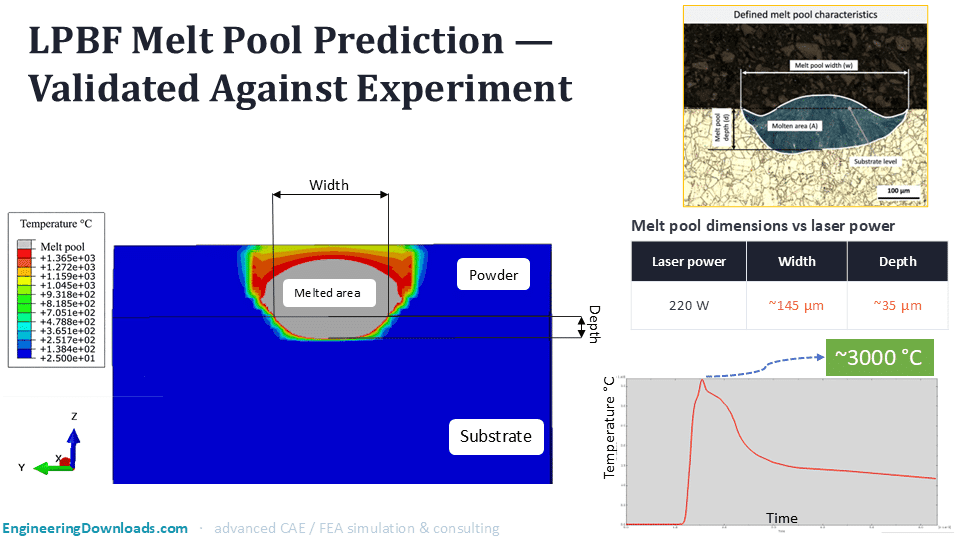 LPBF Additive Manufacturing Simulation in Abaqus: Validated Single-Track Melt Pool + 3D Printed Box with Zigzag Infill
 Introduction to FEM & Custom User Elements in Abaqus
 Phase-Field Cohesive Zone Fatigue Crack Propagation in Abaqus (UMAT + HETVAL, Mixed-Mode Concrete Beam)€119,00
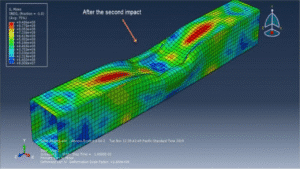 Simulation repeated impact of the rigid body to the steel box in Abaqus
 Repair Welding Residual Stress and 3D Fatigue Crack Growth in Abaqus: Ductile Cast Iron Wind-Turbine Hub (FFS Level 3)€299,00
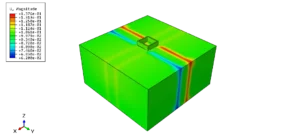 An assessment of dynamic pressure in buried tanks subjected to seismic loadings
 ASME VIII Div.2 Part 5 Design by Analysis with Ansys: Collapse, Buckling and Fatigue

Need a full custom project? See the options below.

€129,00

€179,00

€149,00
€119,00

€129,00

€149,00
See more
Want to receive push notifications for all major on-site activities?



