Computer-Aided Engineering (CAE) has revolutionized product design and analysis. Yet, engineers constantly push boundaries, demanding faster iterations, more complex simulations, and deeper insights. This is where Artificial Intelligence (AI) steps in, transforming traditional CAE workflows and opening new frontiers for innovation.
AI-Powered CAE isn’t just a buzzword; it’s a practical approach to augment your simulation capabilities. By integrating machine learning, deep learning, and other AI techniques, we can tackle longstanding challenges like computational cost, lengthy design cycles, and the sheer complexity of multi-physics problems. This article explores how AI is reshaping FEA, CFD, and structural engineering, offering actionable insights for every engineer.

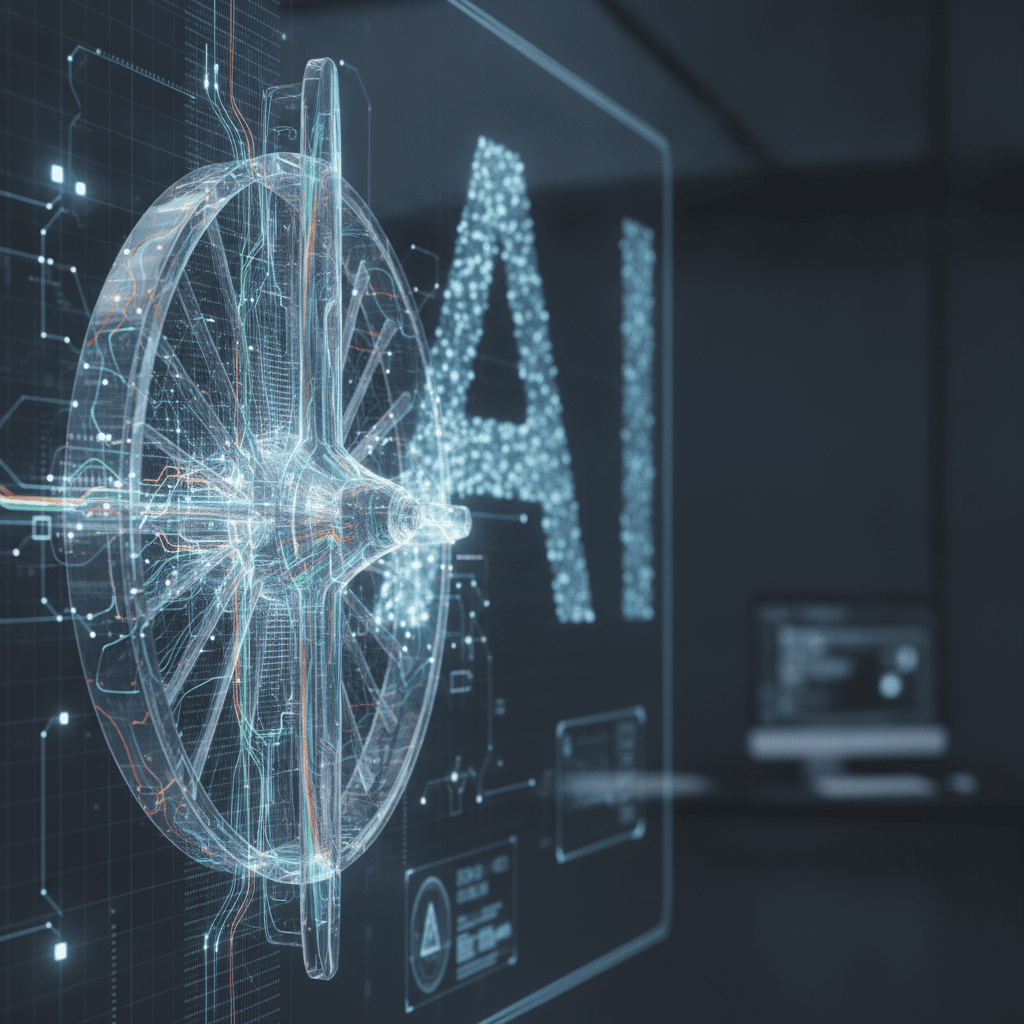
Image courtesy of Ansys, illustrating the integration of AI in simulation.
The Fusion of AI and CAE: Why It Matters Now
The synergy between AI and CAE is rapidly becoming indispensable. As engineering problems grow in scale and complexity, traditional brute-force simulation methods often hit practical limitations regarding time and computational resources. AI offers a pathway to overcome these hurdles.
Addressing Traditional CAE Challenges
- Computational Cost: High-fidelity simulations, especially for optimization or parametric studies, demand significant CPU/GPU time and memory.
- Time-to-Solution: From mesh generation to post-processing, each step can be time-consuming, slowing down design iterations.
- Complexity: Multi-physics, multi-scale, and highly non-linear problems often require specialized expertise and extensive setup.
- Data Overload: Modern simulations generate vast amounts of data, making it challenging to extract meaningful insights manually.
The AI Advantage: Speed, Accuracy, Innovation
AI brings several transformative benefits to the CAE landscape:
- Acceleration: AI models can predict simulation outcomes much faster than running full-fidelity simulations.
- Enhanced Accuracy: AI can improve convergence, detect anomalies, and even refine physics models based on data.
- Automation: Automate repetitive tasks in pre-processing, solving, and post-processing.
- Design Space Exploration: Efficiently navigate vast design spaces to find optimal solutions that would be impossible with traditional methods.
- Predictive Maintenance & FFS: Predict component lifespan and failure modes with greater precision, crucial for structural integrity and Fitness-for-Service (FFS Level 3) assessments.
Key AI Technologies Supercharging CAE
Several branches of AI are particularly relevant to engineering simulation:
Machine Learning (ML) for Predictive Models
ML algorithms learn patterns from data to make predictions or decisions without explicit programming. In CAE, this often involves creating ‘surrogate models’ or ‘reduced-order models’ (ROMs).
- Surrogate Models: These are lightweight, data-driven models trained on a limited set of high-fidelity simulation results. They can quickly predict the outcome for new input parameters, drastically reducing the need for costly full simulations during optimization or parametric studies.
- Predictive Analytics: Forecasting material behavior under extreme conditions, predicting fatigue life, or estimating structural response based on historical data.
- Relevant Tools: Python libraries like
scikit-learn,TensorFlow, andPyTorchare foundational for developing ML models. MATLAB also offers extensive machine learning toolboxes.
Deep Learning (DL) for Complex Data Interpretation
Deep learning, a subset of ML, uses neural networks with many layers to learn complex patterns. It excels at tasks involving large datasets and intricate relationships.
- Image Recognition: Analyzing mesh quality, detecting flaws or damage in simulated structures, or classifying different flow regimes in CFD.
- Generative AI: Exploring novel design geometries that meet specific performance criteria, rather than just optimizing existing ones.
- Real-time Simulation: Developing highly accelerated solvers for specific problems, particularly useful in biomechanics or virtual reality applications.
Reinforcement Learning (RL) for Optimization
RL algorithms learn by interacting with an environment, receiving rewards or penalties for their actions. This makes them ideal for automated optimization tasks.
- Automated Design Iteration: An RL agent can be trained to adjust design parameters (e.g., shape, material distribution) to achieve target performance metrics (e.g., minimize stress, maximize lift) without human intervention.
- Process Control: Optimizing simulation solver parameters or mesh adaptation strategies.
Practical Applications Across Engineering Disciplines
AI’s impact spans a wide array of engineering fields, enhancing efficiency and insight.
Structural Engineering & FEA
- Accelerated Pre-processing: AI can automate mesh generation, material property assignment, and boundary condition application based on CAD models and historical data, significantly reducing setup time for tools like Abaqus or ANSYS Mechanical.
- Predictive Failure Analysis: Training models on thousands of FEA runs to predict fatigue crack initiation, propagation, and ultimate failure under various loading conditions, essential for FFS Level 3 assessments in Oil & Gas pipelines or Aerospace components.
- Design Optimization: Using AI to rapidly explore design variations to minimize weight while maintaining structural integrity, or to optimize joint designs for durability.
- Relevant Tools: Python scripting with APIs of Abaqus, ANSYS Mechanical, or MSC Patran/Nastran allows seamless data extraction and AI model integration.
Computational Fluid Dynamics (CFD)
- Faster Flow Prediction: Develop AI models that can predict flow fields and aerodynamic forces much quicker than traditional CFD solvers for specific geometries (e.g., airfoil design in Aerospace).
- Turbulence Modeling: AI can help create more accurate and efficient turbulence models, especially for complex phenomena in applications like turbomachinery or subsea flow in Oil & Gas.
- Design Optimization: AI-driven optimization loops for wing shapes, hull forms, or heat exchanger designs to improve efficiency.
- Relevant Tools: Data generated by Fluent/CFX or OpenFOAM can be fed into Python or MATLAB for ML model training.
Biomechanics & Multi-Body Dynamics
- Personalized Implant Design: AI can analyze patient-specific medical imaging and simulation data to optimize implant geometry and material properties for better integration and longevity.
- Motion Analysis: Predicting human gait patterns or joint loads for ergonomic design or rehabilitation, integrating with multi-body dynamics software like ADAMS.
- Relevant Tools: Python for image processing and ML, coupled with biomechanical simulation environments.
CAD-CAE Workflow Integration
- Automated Parametric Studies: AI can drive CAD tools (like CATIA or SOLIDWORKS via APIs) to generate design variants, then run automated CAE simulations, and learn from the results to suggest improved designs.
- Design Rule Compliance: AI can check designs against engineering standards and best practices even before a full simulation, catching potential issues early.
Implementing AI in Your CAE Workflow: A Practical Guide
Integrating AI into your existing CAE processes doesn’t have to be daunting. Here’s a structured approach:
Step 1: Identify Your Bottlenecks
Start by pinpointing where AI can provide the most value. Is it reducing simulation run times, automating repetitive pre-processing tasks, or enhancing post-processing insights?
- Example: If your team spends hours meshing complex geometries or waiting for long overnight CFD runs for design variations, these are prime targets.
Step 2: Data Collection & Preparation
AI models thrive on data. You’ll need high-quality simulation results (input parameters and corresponding outputs) to train your models.
- Considerations: Ensure data covers the full range of parameters you’re interested in. Clean and normalize your data for better model performance.
- Tip: Systematically vary input parameters in your CAE software (e.g., using scripting in Abaqus/ANSYS) to generate a diverse training dataset.
Step 3: Model Selection & Training
Choose the appropriate AI technique (ML, DL, RL) based on your problem. Train your model using your prepared dataset.
- ML: For surrogate modeling, consider Gaussian Processes, Support Vector Machines, or Neural Networks.
- DL: For image-based tasks or complex pattern recognition, Convolutional Neural Networks (CNNs) are powerful.
- Training: Use libraries like TensorFlow or PyTorch in Python.
Step 4: Integration & Deployment
Once trained, integrate the AI model into your CAE workflow. This might involve creating a script that takes new design parameters, predicts performance using the AI model, and then potentially triggers a full simulation only if the AI predicts an outlier or an optimal solution.
| AI Integration Strategy | Description | Typical Use Case | Tools Involved |
|---|---|---|---|
| Pre-processing Automation | AI predicts optimal mesh density or applies BCs. | Automated meshing for complex parts. | Python scripts, CAE APIs (Abaqus, ANSYS) |
| Surrogate Modeling | AI quickly estimates simulation outcomes for design iterations. | Rapid design optimization, parametric studies. | Python (scikit-learn, TensorFlow), MATLAB |
| Smart Solver Guidance | AI adjusts solver settings or monitors convergence. | Improving robustness of non-linear FEA runs. | CAE solver internals, custom Python modules |
| Post-processing Insights | AI extracts critical features or identifies anomalies from large result files. | Automated defect detection, critical stress point identification. | Python (Pandas, Matplotlib, TensorFlow) |
Practical Workflow: Accelerating Iterative Design
Let’s consider an illustrative example: using a surrogate model to optimize the stiffness-to-weight ratio of a bracket, traditionally requiring many FEA runs.
- Define Parameters: Identify geometric parameters of the bracket (e.g., hole diameter, wall thickness) and performance metrics (e.g., max deflection, total mass).
- Generate Training Data: Use your FEA software (e.g., ANSYS Mechanical or Abaqus) to run a designed experiment, varying parameters and recording results. For illustrative purposes, let’s say 100-200 full FEA runs.
- Train Surrogate Model: Using Python, train an ML model (e.g., a neural network) that takes the geometric parameters as input and predicts max deflection and mass as output.
- Optimization Loop: Instead of running new FEA for each optimization iteration, use the fast-running AI surrogate model to evaluate thousands of design candidates in seconds.
- Verification: Once the AI-driven optimization identifies a few promising candidates, run full FEA simulations on these optimal designs to verify the AI’s predictions and ensure accuracy.
This workflow drastically reduces the time spent on costly full simulations, allowing engineers to explore a much wider design space. Looking to dive deeper into custom AI solutions for your CAE challenges or need expert guidance on implementing these workflows? EngineeringDownloads.com offers specialized online consultancy services and tutoring tailored to your projects. Explore our downloadable Python scripts and templates to kickstart your journey today!
Verification & Sanity Checks in AI-Powered CAE
Even with AI, the engineer’s judgment remains paramount. Verification is crucial to ensure that AI-driven insights are reliable.
Data Quality Assurance
- Garbage In, Garbage Out: Ensure your training data is accurate, representative, and covers the expected operating range. Incorrect boundary conditions or material properties in your training simulations will lead to flawed AI models.
- Data Distribution: Check if your data adequately samples the design space you intend to explore.
Model Validation & Benchmarking
- Hold-out Data: Always test your AI model on data it has never seen before.
- Compare with Full Simulations: For critical decisions, benchmark AI predictions against a limited number of high-fidelity CAE runs to quantify the AI model’s error and confidence levels.
- Physical Plausibility: Do the AI’s predictions make physical sense? An AI model might predict negative stiffness or unrealistic stress concentrations if not properly constrained or validated.
Sensitivity Analysis
- Input Sensitivity: Understand how sensitive your AI model’s output is to changes in input parameters. This can reveal which parameters are most critical.
- Uncertainty Quantification: Incorporate uncertainty into your AI models to provide a range of predicted outcomes rather than just a single value, particularly important for structural integrity assessments.
Human-in-the-Loop Supervision
- Expert Review: AI should augment, not replace, engineering expertise. Experienced engineers should review and validate AI-generated insights, especially for critical applications like FFS Level 3 or aerospace component design.
Common Pitfalls and How to Avoid Them
- Over-reliance on AI without Understanding: Don’t treat AI as a black box. Understand its limitations and when its predictions might be unreliable.
- Poor Data Quality: Flawed training data will lead to flawed AI models. Invest time in generating high-quality, diverse datasets.
- Ignoring Physics-Based Principles: AI models should ideally be ‘physics-informed’ or at least constrained by fundamental engineering principles. Purely data-driven models can sometimes give non-physical results.
- Lack of Scalability Planning: Start small, but plan for how your AI solutions will scale with larger models, more complex simulations, and across different projects.
The Future of AI-Powered CAE
The integration of AI and CAE is still in its early stages, but its trajectory is clear. We can anticipate more autonomous simulation workflows, intelligent material design, and real-time predictive capabilities. This will not only accelerate product development cycles but also enable engineers to explore unprecedented levels of complexity and innovation, leading to safer, more efficient, and more sustainable designs across all industries.