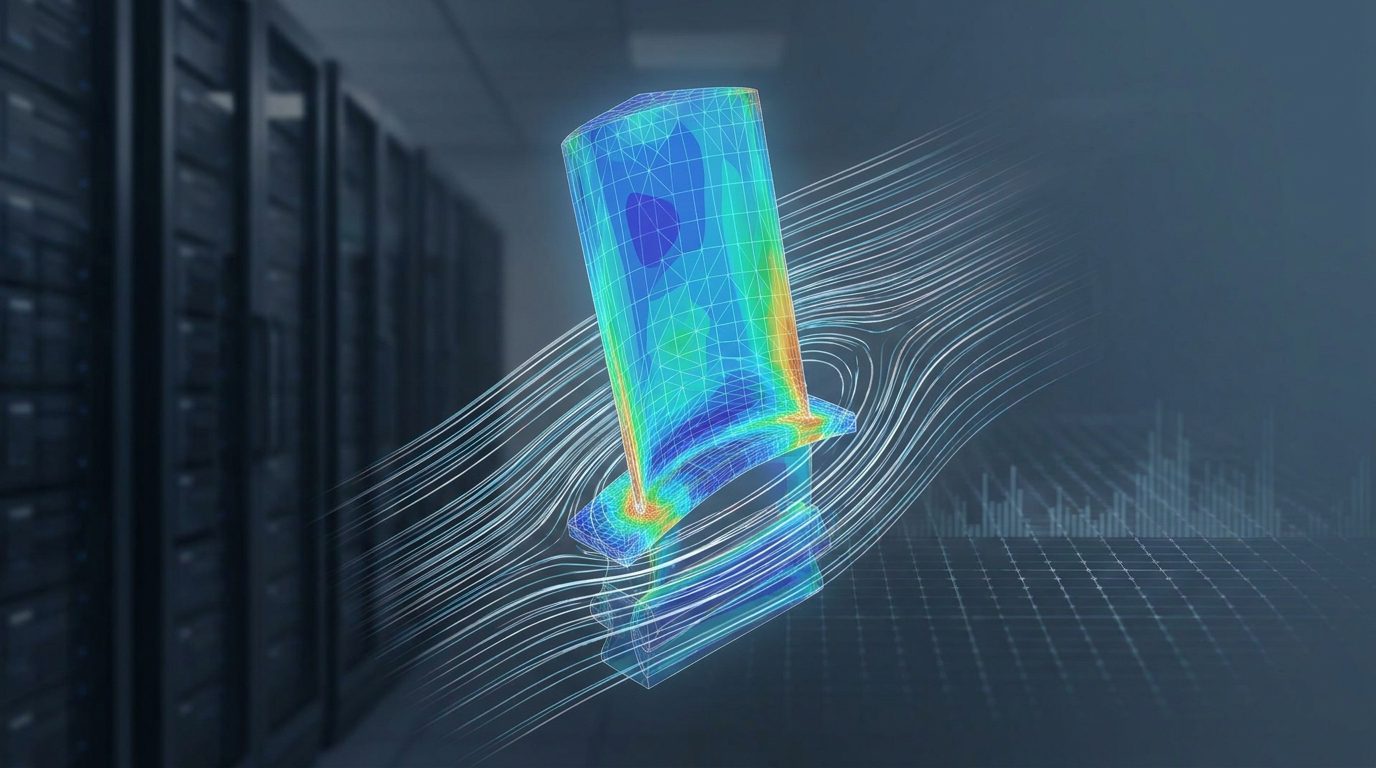
In today’s fast-paced engineering world, simulation isn’t just a tool; it’s the backbone of product development, design optimization, and integrity assessment. From complex structural integrity projects in Oil & Gas to intricate biomechanics analysis, engineers rely heavily on FEA, CFD, and other CAE methods. But as simulation scales, so does the potential for errors, inconsistencies, and ultimately, costly mistakes. This is where Simulation Governance steps in – a crucial framework for managing your simulation efforts efficiently and reliably.

Image Credit: Wikimedia Commons / Max Pixel
Why Simulation Governance is Non-Negotiable
Effective simulation governance isn’t just about compliance; it’s about engineering excellence. It transforms a collection of individual analyses into a cohesive, reliable, and auditable process.
Mitigating Risks and Costs
- Reduced Rework: Standardized processes minimize errors, leading to fewer iterations and less wasted engineering time.
- Avoiding Design Failures: Rigorous validation ensures simulations accurately predict real-world performance, preventing costly design flaws or structural integrity issues (e.g., in FFS Level 3 assessments).
- Legal and Regulatory Compliance: Especially critical in sectors like Aerospace or Nuclear, where traceability and adherence to standards are paramount.
Ensuring Reproducibility and Reliability
- Consistent Results: Whether it’s a structural analysis using Abaqus or a CFD study with Fluent, governance ensures different engineers arrive at similar conclusions for the same problem.
- Traceability: Know exactly who did what, when, and why – from mesh generation in MSC Patran to post-processing. This is vital for auditing and debugging.
- Trust in Data: Management can make informed decisions based on simulation data, knowing it’s backed by robust processes.
Boosting Efficiency and Collaboration
- Streamlined Workflows: Clear guidelines reduce ambiguity and accelerate project completion.
- Improved Knowledge Transfer: New team members can quickly get up to speed by following established procedures and accessing well-documented past projects.
- Better Resource Utilization: Optimize software licenses (e.g., ANSYS Mechanical, CATIA), computing clusters, and engineering talent.
Core Pillars of Effective Simulation Governance
Building a robust governance framework involves several key components, each crucial for success.
1. Standardized Workflows and Procedures
The cornerstone of governance is consistency. Documenting and standardizing how simulations are performed ensures that every project adheres to best practices.
Checklist: Workflow Standardization
- Project Setup: Define how new simulation projects are initiated, including folder structures, naming conventions, and initial data requirements.
- Modeling Guidelines: Establish rules for CAD geometry simplification, idealization, and meshing (e.g., element types, aspect ratios, boundary layer meshing for CFD with OpenFOAM).
- Boundary Conditions (BCs) & Loads: Standardize the application of loads, constraints, and initial conditions, including units and coordinate systems.
- Material Properties: Create a centralized, version-controlled repository for material data (e.g., Young’s Modulus, yield strength, density, thermal conductivity).
- Solver Settings: Document recommended solver parameters, convergence criteria, and solution control options for tools like Abaqus Explicit or ANSYS CFX.
- Post-processing & Reporting: Define standard plots, results formats, and report templates.
Practical Workflow Integration
For a typical FEA structural analysis, this might involve a template for pre-processing steps: importing geometry from CATIA, applying a standardized mesh density with specific element quality checks, defining contact algorithms, and setting up load cases according to industry standards (e.g., API 579 for FFS in Oil & Gas). For CFD, it means defining turbulence models (e.g., k-epsilon, SST), near-wall treatment, and convergence metrics appropriate for the flow regime.
2. Data Management and Version Control
Simulation generates vast amounts of data. Managing this data effectively is critical for traceability, reproducibility, and avoiding loss of intellectual property.
The Digital Thread for Simulation Data
Imagine a clear, unbroken line connecting every piece of data associated with a simulation: initial CAD model, meshed geometry, input decks, solver logs, output files, post-processed results, and final reports. This ‘digital thread’ allows you to backtrack, understand decisions, and reproduce results years later.
Tools for Data Management
- Product Lifecycle Management (PLM) systems: Many PLM solutions offer modules specifically for CAE data management, integrating seamlessly with CAD (e.g., CATIA, SolidWorks) and CAE tools.
- Version Control Systems (VCS): Tools like Git (though more common in software development) or dedicated simulation data management (SDM) systems help track changes to input files and scripts.
- Networked Storage Solutions: Centralized, backed-up storage ensures data security and accessibility.
3. Verification, Validation, and Uncertainty Quantification (VVUQ)
VVUQ is paramount to trusting your simulation results. It’s about ensuring you’re solving the equations correctly and that those equations accurately represent reality.
Verification & Sanity Checks
- Mesh Sensitivity: Always perform a mesh independence study. Is your solution changing significantly with a finer mesh? Tools like Abaqus, ANSYS, and OpenFOAM offer various mesh metrics.
- Boundary Condition Review: Do your applied loads and constraints make physical sense? Are there any rigid body modes?
- Convergence Criteria: Are your iterative solvers (e.g., Newton-Raphson in FEA, SIMPLE algorithm in CFD) truly converging? Check residuals, energy norms, and solution quantities.
- Units Consistency: A classic pitfall! Ensure all inputs use a consistent unit system.
- Mass Balance/Energy Balance: For CFD, check that mass and energy are conserved through your domain.
- Simple Hand Calculations: Can you approximate a critical stress, deflection, or pressure drop using basic engineering formulas? This provides an excellent sanity check.
- Parameter Sensitivity: How do key outputs change if an input parameter (e.g., material property, load magnitude) varies slightly?
Validation Strategies
Validation compares simulation results against experimental data, analytical solutions, or established benchmarks. For example, validating a fatigue prediction in a structural component against physical test data, or comparing a CFD model’s pressure drop with empirical correlations for a specific pipe geometry.
4. Competency Development and Training
Even the best processes fail without skilled practitioners. Continuous training and development are vital.
Skill Matrix for Simulation Engineers
Develop a matrix that maps engineers’ skills (e.g., expertise in Abaqus/Python scripting, knowledge of fluid dynamics, understanding of biomechanics) against the requirements for different projects. This helps identify training gaps and assign appropriate resources.
5. Role Definition and Responsibilities
Clear roles prevent confusion and ensure accountability.
Example Role Breakdown
| Role | Key Responsibilities | Relevant Tools/Skills |
|---|---|---|
| Simulation Lead | Project oversight, methodology approval, final review, stakeholder communication. | Project Management, FEA/CFD principles, industry standards (e.g., API, ASME), Reporting. |
| Simulation Engineer | Model creation, analysis execution, initial post-processing, documentation. | Abaqus, ANSYS Mechanical, Fluent, OpenFOAM, MSC Patran/Nastran, CAD-CAE integration, Python scripting. |
| CAD Designer/Engineer | Geometry creation, simplification for simulation, CAD-CAE integration. | CATIA, SolidWorks, NX, geometric parameterization. |
| Data Manager | Ensuring data integrity, version control, archiving, access control. | PLM/SDM systems, IT infrastructure, scripting (e.g., Python for automation). |
| Verification & Validation Specialist | Developing VVUQ protocols, benchmarking, experimental correlation. | Experimental Methods, Statistical Analysis, FFS methodologies, Python/MATLAB for data processing. |
6. Software and Hardware Management
Keeping simulation tools (Abaqus, ANSYS, ADAMS, MATLAB), operating systems, and drivers up-to-date is crucial. Establish a clear policy for software upgrades, patch management, and hardware maintenance to ensure optimal performance and compatibility.
7. Documentation and Reporting
Beyond technical reports, governance documentation includes methodology guides, best practice documents, and audit trails. Ensure reports are clear, concise, and provide sufficient detail for external review, especially for critical applications like structural integrity of offshore platforms or aerospace components.
Implementing Simulation Governance: A Step-by-Step Guide
Step 1: Assess Current State
Before you can improve, you need to understand where you are. Conduct an audit of your existing simulation practices, identifying bottlenecks, inconsistencies, and areas of risk. Interview engineers, review past project files, and map out current workflows.
Step 2: Define Objectives and Scope
What do you want to achieve with simulation governance? Is it reducing project time by 15%? Improving simulation accuracy by 10%? Clearly define measurable goals and the scope of your governance initiative (e.g., starting with FEA, then expanding to CFD and multi-body dynamics with ADAMS).
Step 3: Develop Policies and Procedures
Based on your assessment and objectives, start formalizing your workflows, data management strategies, VVUQ protocols, and roles. Keep the documentation practical and user-friendly, not overly academic.
Step 4: Implement Tools and Infrastructure
This might involve setting up a new PLM/SDM system, configuring a centralized server for simulation data, or deploying automation scripts (e.g., Python scripts for pre-processing in Abaqus or MATLAB scripts for post-processing results from Fluent).
Step 5: Train Your Team
Successful implementation hinges on adoption. Provide comprehensive training on the new policies, procedures, and tools. Emphasize the ‘why’ behind the changes to foster buy-in.
Step 6: Monitor, Review, and Refine
Simulation governance is not a one-time project; it’s an ongoing process. Regularly review your policies’ effectiveness, gather feedback from engineers, and update procedures as technology evolves or new challenges emerge. Use metrics like simulation turnaround time, error rates, and project audit results to guide your refinements.
Common Pitfalls and How to Avoid Them
Over-Engineering the Process
Mistake: Creating overly complex rules and documentation that hinder rather than help. Engineers get bogged down in administrative tasks instead of actual analysis.
Avoidance: Start simple, iterate, and involve your engineering team in the design of the governance framework. Focus on practical solutions that solve real problems.
Lack of Stakeholder Buy-in
Mistake: Implementing governance without support from management or the engineering team, leading to resistance and non-compliance.
Avoidance: Communicate the benefits clearly to all stakeholders. Demonstrate how governance saves time, reduces costs, and improves reliability. Get key team members to champion the initiative.
Inadequate Training
Mistake: Expecting engineers to adopt new processes and tools without proper instruction.
Avoidance: Invest in thorough, hands-on training. Provide resources (like the downloadable templates and guides on EngineeringDownloads.com) and ongoing support. Consider mentorship programs.
Ignoring Legacy Data
Mistake: Focusing solely on new projects and leaving older, but still relevant, simulation data ungoverned.
Avoidance: Develop a strategy for incorporating or at least archiving legacy data under the new governance framework. This might involve migration, documentation, or clear labels for older projects.
Leveraging Automation for Smarter Governance
Automation plays a pivotal role in enforcing and streamlining simulation governance. Scripting languages like Python and MATLAB can significantly enhance your workflows.
Python and MATLAB in Simulation Workflows
- Pre-processing Automation: Python scripts can automate repetitive tasks in Abaqus, ANSYS, or OpenFOAM, such as geometry clean-up, mesh generation (e.g., with Gmsh), boundary condition application, and input file generation.
- Post-processing Automation: Extracting specific results, generating standardized plots, and creating custom reports from large simulation datasets (e.g., stress contours, velocity profiles) using Python or MATLAB.
- Parametric Studies: Quickly set up and run multiple design variations to explore the design space and perform optimization, essential for robust design in Aerospace or Automotive.
- CAD-CAE Integration: Scripts can link parameters between CAD systems (like CATIA) and CAE software, enabling seamless design updates and re-analysis.
Custom Scripting for Verification
Develop Python or MATLAB scripts to automatically check key aspects of your simulation models. Examples include:
- Verification of element quality after meshing.
- Cross-referencing applied loads/BCs with design specifications.
- Automated checks for convergence and solver stability.
- Comparing simulation outputs against analytical solutions for simplified cases.
Need help automating your simulation workflows or developing custom scripts? EngineeringDownloads.com offers expert online consultancy and tutoring services to help you implement powerful Python and MATLAB solutions tailored to your specific needs.
Your Path to Robust Simulation Practices
Implementing simulation governance might seem like a significant undertaking, but the benefits – increased reliability, reduced costs, enhanced efficiency, and greater confidence in your engineering decisions – are well worth the effort. By establishing clear standards, managing your data intelligently, continuously verifying and validating your models, and fostering a culture of excellence, you’ll elevate your simulation capabilities to a new level.
Further Reading
For more in-depth information on best practices in engineering simulation, consult authoritative resources such as NAFEMS. They provide extensive guides and publications on various aspects of CAE.
NAFEMS Technical Resources: Best Practices